Skip to content

DevTools Kit

Experimental

The API is still in development and may change in any version. If you are building on top of it, please mind the version of packages you are using and warn your users about the experimental status.

Vite DevTools Kit is a shared infrastructure for building custom developer tools that integrate seamlessly with Vite and frameworks built on top of it.

What DevTools Kit Provides

DevTools Kit offers a complete toolkit for building DevTools integrations:

  • Extensible Architecture: Simple, well-typed APIs for registering custom visualizations, actions, and interactions. A DevTools plugin is a superset of a Vite plugin—just add a devtools hook to any existing Vite plugin.

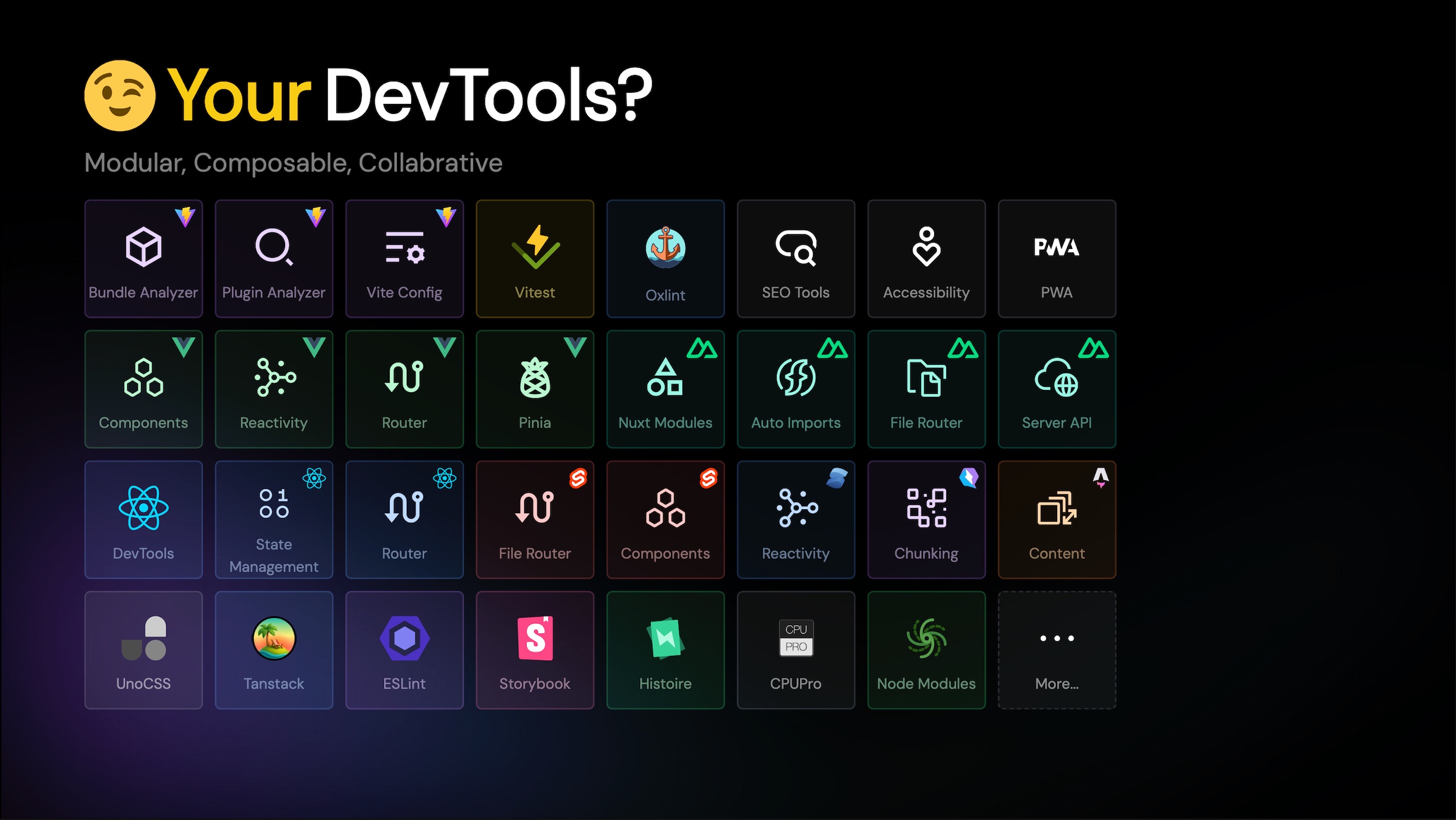
  • 📦 Dock System: A unified entry point (similar to macOS Dock) where users can discover and switch between all DevTools integrations. Your plugin automatically appears alongside other tools in a consistent, familiar interface

  • 🔌 Built-in RPC Layer: Type-safe bidirectional communication between your Node.js server and browser clients, eliminating the need to set up WebSocket connections or message passing manually

  • 🌐 Isomorphic Views Hosting: Write your UI once and deploy it anywhere—as embedded floating panels, browser extension panels, standalone webpages, or even deployable SPAs for sharing build snapshots (work in progress).

Why DevTools Kit?

Traditionally, each framework or tool has had to build its own isolated DevTools from scratch—resulting in duplicated effort, inconsistent user experiences, and maintenance overhead. DevTools Kit changes this by providing a unified, extensible foundation that allows plugin and framework authors to focus on what makes their tools unique, rather than rebuilding common infrastructure.

Whether you're building a framework-specific inspector, a build analysis tool, or a custom debugging interface, DevTools Kit handles the heavy lifting of communication, UI hosting, and integration, so you can focus on delivering value to your users.

Getting Started

If you're building a Vite plugin and want to add DevTools capabilities, or if you're creating a framework-specific DevTools integration, DevTools Kit makes it straightforward. The following sections will guide you through the core concepts and APIs:

Help Us Improve

If you are building something on top of Vite DevTools, we are inviting you to label your repository with vite-devtools on GitHub to help us track the usage and improve the project. Thank you!

DevTools Plugin

A DevTools plugin is a superset of a Vite plugin—meaning any Vite plugin can become a DevTools plugin by simply adding a devtools hook. This allows you to extend the DevTools infrastructure with custom data visualizations, actions, and integrations.

Installation

To get started, install the @vitejs/devtools-kit package in your Vite plugin project. It's typically fine to add it as a dev dependency since we only need it for types on the Node.js side.

zsh
pnpm install -D @vitejs/devtools-kit

Then referencing it in your plugin code, it will augment the Plugin interface with the devtools property.

Inside devtools.setup, you will get tools to register custom data visualization, actions, and more. See the sections below for details on registering dock entries, actions, custom renderers, and RPC functions.

ts
/// <reference types="@vitejs/devtools-kit" />
import { Plugin } from 'vite'

export default function myPlugin(): Plugin {
  return {
    name: 'my-plugin',
    // Do other plugin stuff...
    transform(code, id) {},
    // Devtools setup
    devtools: {
      setup(ctx) {
        console.log('My plugin setup')
      },
    },
  }
}

When users run their app with Vite DevTools enabled (vite dev --ui), your devtools setup function will be called.

Register A Dock Entry

Dock entries are the primary way for users to interact with your DevTools integration. They appear as clickable items in the DevTools dock (similar to macOS Dock), and when activated, they can display:

  • An iframe panel with your custom UI
  • A custom-rendered panel directly in the user's app
  • An action button that triggers client-side scripts

The dock can be presented as a floating panel inside the user's app, a sidebar in browser extension mode, or in standalone mode. "Dock" refers to macOS's Dock, where you switch between different applications by clicking on them.

To register a dock entry, you can use the ctx.docks.register method to add a new dock entry. The easiest approach is to register a iframe-based dock entry. Here we use VueUse's docs as an example:

ts
export default function VueUseDevToolsDocs(): Plugin {
  return {
    name: 'vueuse:devtools:docs',
    devtools: {
      setup(ctx) {
        ctx.docks.register({
          id: 'vueuse:docs',
          title: 'VueUse',
          icon: 'https://vueuse.org/favicon.svg',
          type: 'iframe',
          url: 'https://vueuse.org',
        })
      },
    }
  }
}

The more practical usage is to build a local webpage to draw your own views and handle interactions. This allows you to use any frontend framework (Vue, React, Svelte, etc.) to build your DevTools UI.

For example, if you host a local custom view at /.my-app, you can register it as a dock entry like this:

ts
ctx.docks.register({
  id: 'my-app',
  title: 'My App',
  icon: 'https://my-app.com/logo.svg',
  type: 'iframe',
  url: '/.my-app',
})

DevTools can also handle the page hosting for you. If you have your built SPA page under ./dist/client, you can register it as a dock entry like this:

ts
const pathClientDist = fileURLToPath(new URL('../dist/client', import.meta.url))
ctx.views.hostStatic('/.my-app', pathClientDist)
ctx.docks.register({
  id: 'my-app',
  title: 'My App',
  icon: 'https://my-app.com/logo.svg',
  type: 'iframe',
  url: '/.my-app',
})

This way DevTools will handle the dev server middleware to host the static files for you, and also copy the static files to the dist directory when in production build.

Register An Action

Instead of an iframe panel, sometimes you might want to register an action button that triggers client-side scripts. This is useful when you want to:

  • Enable temporary inspector tools (e.g., DOM inspector, component inspector)
  • Toggle features in the user's app
  • Trigger one-time actions without showing a UI panel

For example, you might want to enable a temporary inspector tool to inspect the DOM of the client app and have the button appear in the DevTools dock.

ts
ctx.docks.register({
  id: 'dom-inspector',
  title: 'DOM Inspector',
  type: 'action',
  action: {
    importFrom: 'vite-plugin-my-inspector/vite-devtools-action',
    importName: 'default',
  },
  icon: 'ph:cursor-duotone',
})

In your package, export the sub entrypoint for the action. The action script runs in the user's app context, giving you access to the app's DOM, state, and APIs.

src/vite-devtools-action.ts
ts
import type { DevToolsClientScriptContext } from '@vitejs/devtools-kit/client'

export default function setupDevToolsAction(ctx: DevToolsClientScriptContext) {
  // Setup action will only execute when the entry is activated the first time

  // Register listeners to handle events from the dock system
  ctx.current.events.on('entry:activated', () => {
    // Your action logic here
    console.log('DOM inspector started!')

    // Example: Enable DOM inspection
    document.body.style.cursor = 'crosshair'

    // You can also communicate with the server using [RPC](#remote-procedure-calls-rpc)
  })

  ctx.current.events.on('entry:deactivated', () => {
    // Cleanup when the entry is deactivated
    document.body.style.cursor = ''
  })
}

And in your package.json, you can export the sub entrypoint:

package.json
json
{
  "name": "vite-plugin-my-inspector",
  "exports": {
    "./vite-devtools-action": "./dist/vite-devtools-action.mjs"
  }
}

That's it! When users install your plugin, they can click your action button in the dock. When activated for the first time, the action script will be loaded and executed in the user's app context, allowing you to interact with their application directly.

Register Custom Renderer

If you want to render your own views directly in the user's app instead of using an iframe, you can register a dock entry with a custom renderer. This gives you full control over the DOM and allows you to use any framework or vanilla JavaScript to build your UI.

ts
ctx.docks.register({
  id: 'my-custom-view',
  title: 'My Custom View',
  type: 'custom-render',
  renderer: {
    importFrom: 'vite-plugin-my-inspector/vite-devtools-renderer',
    importName: 'default',
  },
  icon: 'ph:file-duotone'
})

Similar to Action, we write the renderer logic in a client script that we export as a sub export. The renderer gives you a DOM element (panel) that you can mount your UI to:

src/vite-devtools-renderer.ts
ts
import type { DevToolsClientScriptContext } from '@vitejs/devtools-kit/client'

export default function setupDevToolsCustomRenderer(ctx: DevToolsClientScriptContext) {
  // Setup will only execute when the entry is activated the first time

  // The 'dom:panel:mounted' event is called once when the panel DOM is ready
  // The DOM will be preserved when switching between dock entries
  ctx.current.events.on('dom:panel:mounted', (panel) => {
    // Render your custom DOM and mount to `panel`
    // You can use vanilla JavaScript or any framework you prefer
    const el = document.createElement('div')
    el.style.padding = '16px'
    el.innerHTML = '<h2>Hello from custom render dock!</h2>'

    const btn = document.createElement('button')
    btn.textContent = 'Click me'
    btn.onclick = async () => {
      // You can communicate with the server using [RPC](#remote-procedure-calls-rpc)
      // const rpc = ctx.current.rpc
      // const data = await rpc.call('my-plugin:get-data', 'some-id')
      console.log('Button clicked!')
    }
    el.appendChild(btn)
    panel.appendChild(el)

    // You can also use frameworks like Vue, React, etc.
    // import { createApp } from 'vue'
    // createApp(MyComponent).mount(panel)
  })

  // Cleanup when the entry is deactivated (optional)
  ctx.current.events.on('entry:deactivated', () => {
    // Cleanup logic if needed
  })
}

Note: The panel DOM is preserved when users switch between dock entries, so you only need to set up your UI once in the dom:panel:mounted event. If you need to update the UI based on server state, use RPC calls to fetch fresh data.

Remote Procedure Calls (RPC)

The DevTools Kit provides a built-in RPC (Remote Procedure Call) layer that enables bidirectional communication between the server (Node.js) and client (browser) with full type safety. This allows you to:

For a complete overview, see the subsections below:

Register Server-Side RPC Functions

Server-side RPC functions are functions that run on the Node.js server and can be called from the client. To register a server-side RPC function, use ctx.rpc.register() with a function definition created by defineRpcFunction.

ts
import { defineRpcFunction } from '@vitejs/devtools-kit'

export default function myPlugin(): Plugin {
  return {
    name: 'my-plugin',
    devtools: {
      setup(ctx) {
        const getData = defineRpcFunction({
          name: 'my-plugin:get-data',
          type: 'query', // 'query' | 'action' | 'static'
          setup: (context) => {
            return {
              handler: async (id: string) => {
                // Access context.docks, context.views, context.utils, etc.
                return { id, data: 'some data' }
              },
            }
          },
        })

        ctx.rpc.register(getData)
      },
    },
  }
}

RPC Function Types:

  • 'query': For functions that fetch data (can be cached)
  • 'action': For functions that perform actions or side effects
  • 'static': For functions that return static data

The setup function receives the DevToolsNodeContext which provides access to:

  • context.docks: Manage dock entries
  • context.views: Host static views (see Register A Dock Entry)
  • context.rpc: Register more RPC functions or broadcast to clients
  • context.utils: Utility functions
  • context.viteConfig: Vite configuration
  • context.viteServer: Vite dev server (in dev mode)
  • context.mode: Current mode ('dev' or 'build')

Call Server Functions from Client

In your client-side code (iframe pages, action scripts, or custom renderers), you can call server-side RPC functions using the RPC client.

First, get the RPC client:

ts
import { getDevToolsRpcClient } from '@vitejs/devtools-kit/client'

const rpc = await getDevToolsRpcClient()

Then call server functions:

ts
// Call a server function
const data = await rpc.call('my-plugin:get-data', 'some-id')

Register Client-Side RPC Functions

Client-side RPC functions are functions that run in the browser and can be called from the server. This is useful for broadcasting updates or triggering UI changes.

To register a client-side RPC function, use rpc.client.register() in your client code (e.g., in action scripts or custom renderers):

src/vite-devtools-action.ts
ts
import type { DevToolsRpcClientFunctions } from '@vitejs/devtools-kit'
import type { DevToolsClientScriptContext } from '@vitejs/devtools-kit/client'

export default function setupDevToolsAction(ctx: DevToolsClientScriptContext) {
  // Register a client-side RPC function
  ctx.current.rpc.client.register({
    name: 'my-plugin:client-update' satisfies keyof DevToolsRpcClientFunctions,
    type: 'action',
    handler: (data: { message: string }) => {
      console.log('Received update from server:', data.message)
      // Update UI, trigger actions, etc.
    },
  })
}

Important: You need to extend the DevToolsRpcClientFunctions interface in your plugin's type definitions so TypeScript knows about your client functions:

src/types.ts
ts
import '@vitejs/devtools-kit'

declare module '@vitejs/devtools-kit' {
  interface DevToolsRpcClientFunctions {
    'my-plugin:client-update': (data: { message: string }) => Promise<void>
  }
}

Call Client Functions from Server

To call client-side functions from the server, use ctx.rpc.boardcast() (note: the method name is boardcast, which broadcasts to all connected clients):

ts
export default function myPlugin(): Plugin {
  return {
    name: 'my-plugin',
    devtools: {
      setup(ctx) {
        // Broadcast to all connected clients
        ctx.rpc.boardcast('my-plugin:client-update', {
          message: 'Hello from server!'
        })
      },
    },
  }
}

The boardcast method returns a promise that resolves to an array of results from all clients (some may be undefined if the client doesn't implement the function).

Example: Broadcasting dock updates

Here's a real-world example of how the built-in docks system broadcasts updates:

ts
// When a dock entry is updated, broadcast to all clients
docksHost.events.on('dock:entry:updated', () => {
  rpcHost.boardcast('vite:internal:docks:updated')
})

And on the client side:

ts
rpc.client.register({
  name: 'vite:internal:docks:updated' satisfies keyof DevToolsRpcClientFunctions,
  type: 'action',
  handler: async () => {
    // Refresh the dock entries list
    await updateDocksEntries()
  },
})

References

The docs might not cover all the details, please help us to improve it by submitting PRs. And in the meantime, you can refer to the following existing DevTools integrations for reference (but note they might not always be up to date with the latest API changes):

Released under the MIT License.