DevTools for Oxc
DevTools for Oxc (@vitejs/devtools-oxc) inspects Oxlint and Oxfmt from the Oxc toolchain. It was donated from yuyinws/oxc-inspector by Leo.
What it does
Tools for working with the Oxc toolchain:
- Toolchain setup — install Oxlint and Oxfmt, or migrate existing ESLint, Prettier, and Biome configurations.
- Lint inspection — run Oxlint and inspect diagnostics.
- Configuration analysis — explore Oxlint rules, plugins, and overrides.
- Format inspection — run Oxfmt and inspect formatting results.
Getting started
Follow Getting Started to set up Vite DevTools, then open the Oxc launcher and install the integration. Restart the development server to activate it.
It can also run as a standalone CLI:
npx @vitejs/devtools-oxcOverview
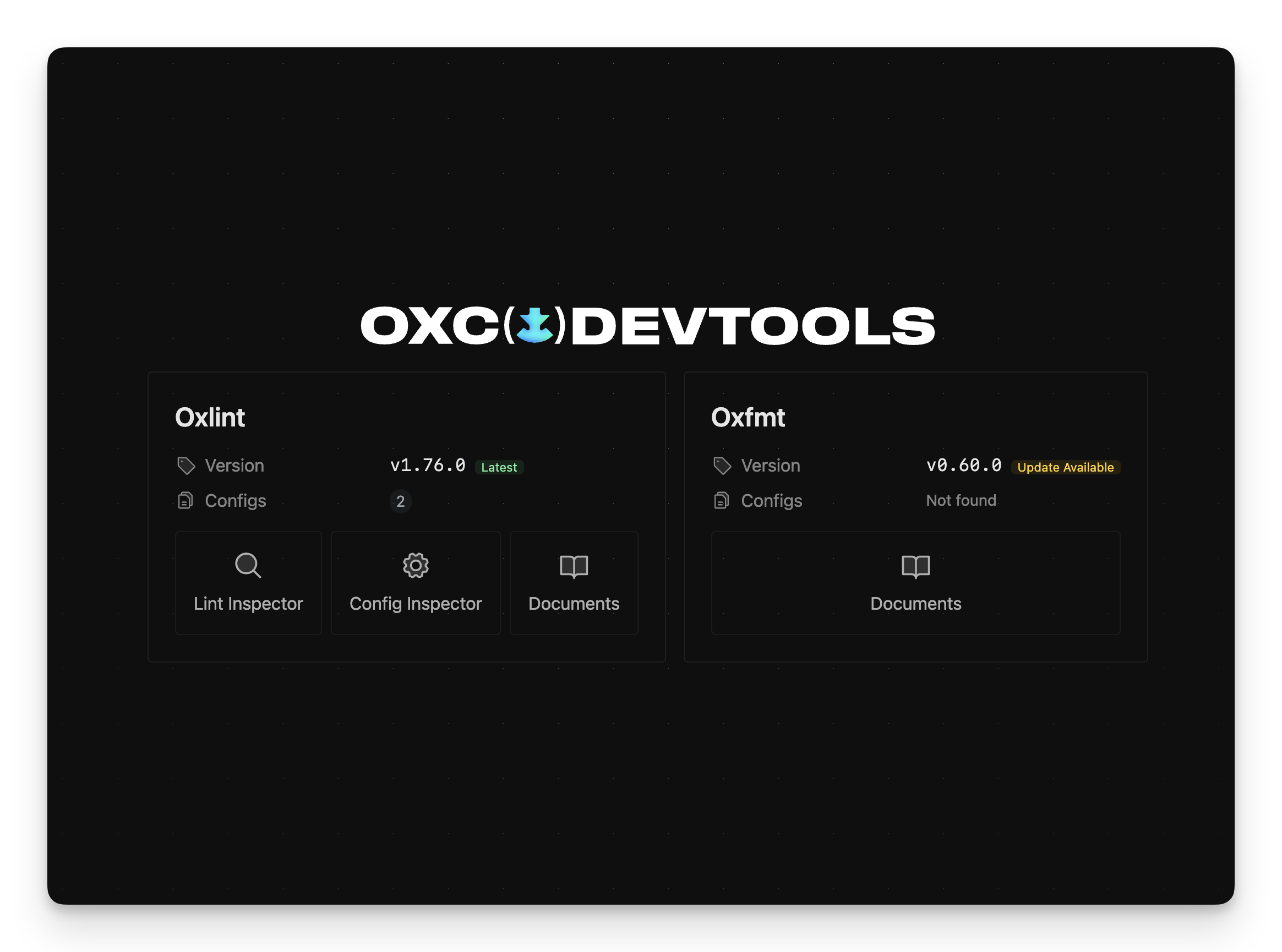
View installed versions and configuration files. Set up Oxlint and Oxfmt from the launcher.
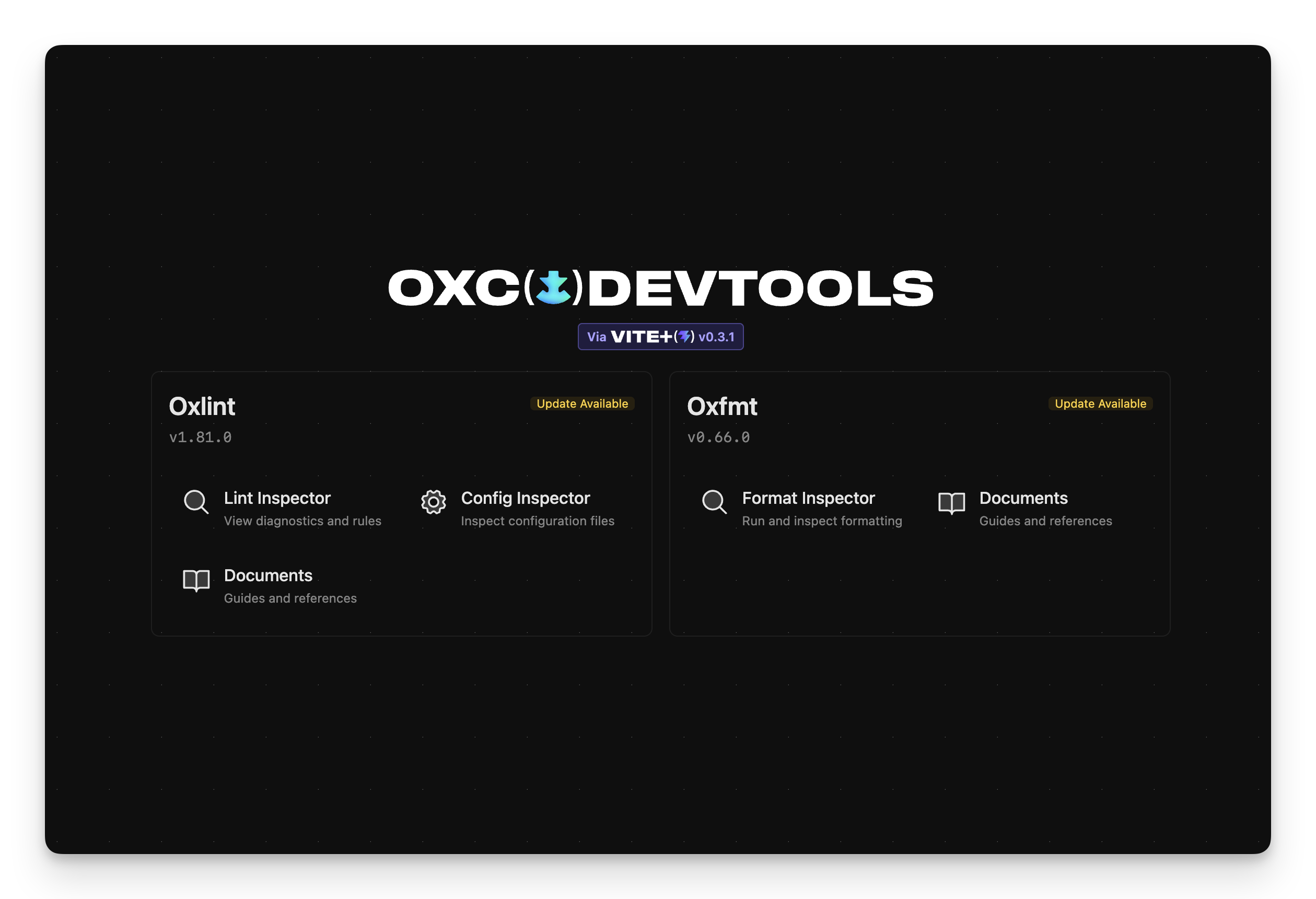
Vite Plus
When Vite Plus is detected, DevTools uses its bundled Oxc toolchain and runs Oxlint and Oxfmt commands through vp.
Oxlint
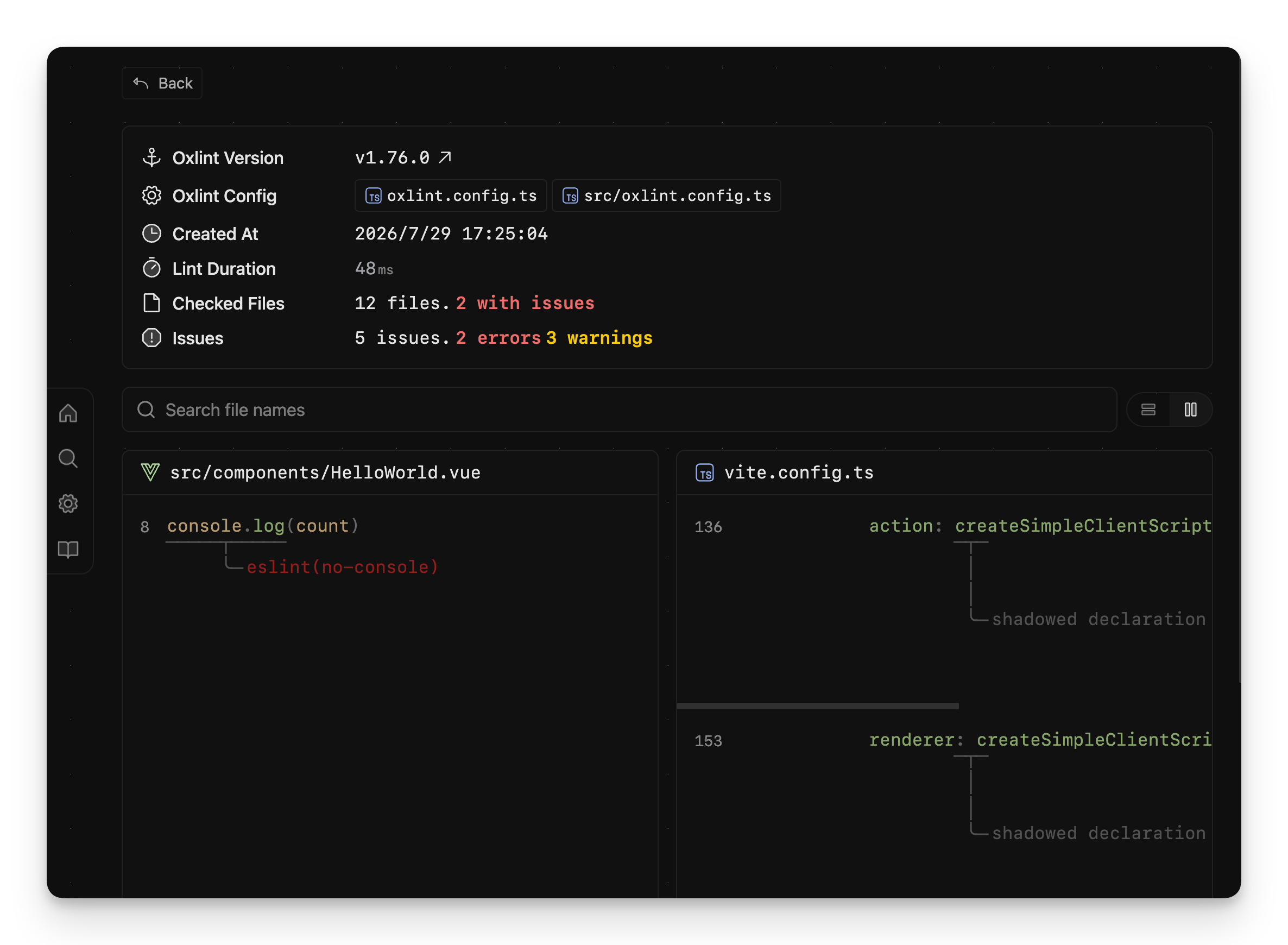
Lint Inspector
Run Oxlint and inspect current and previous results.
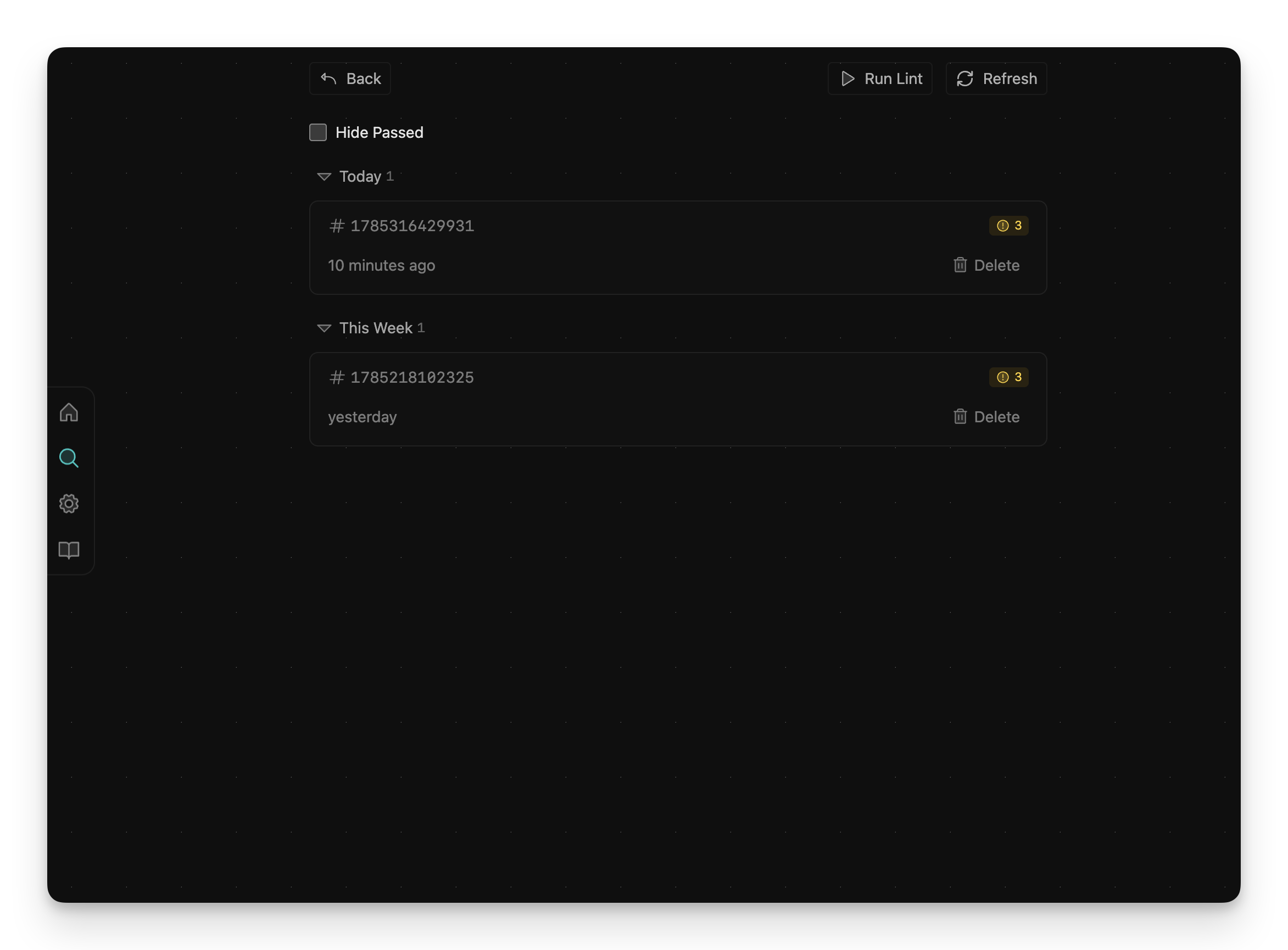
View run metadata and diagnostics grouped by file.
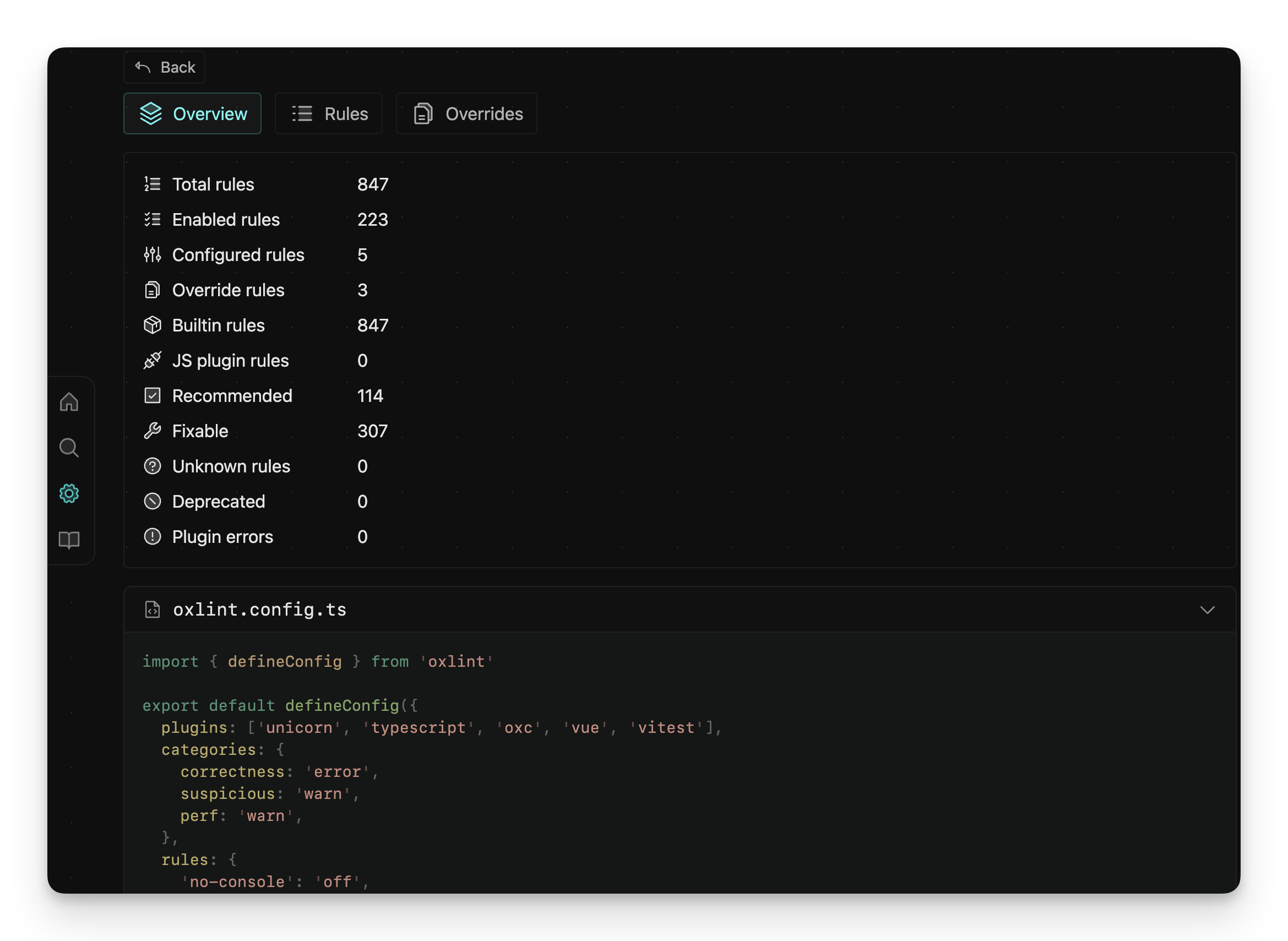
Config Inspector
Review the resolved configuration and rule summary.
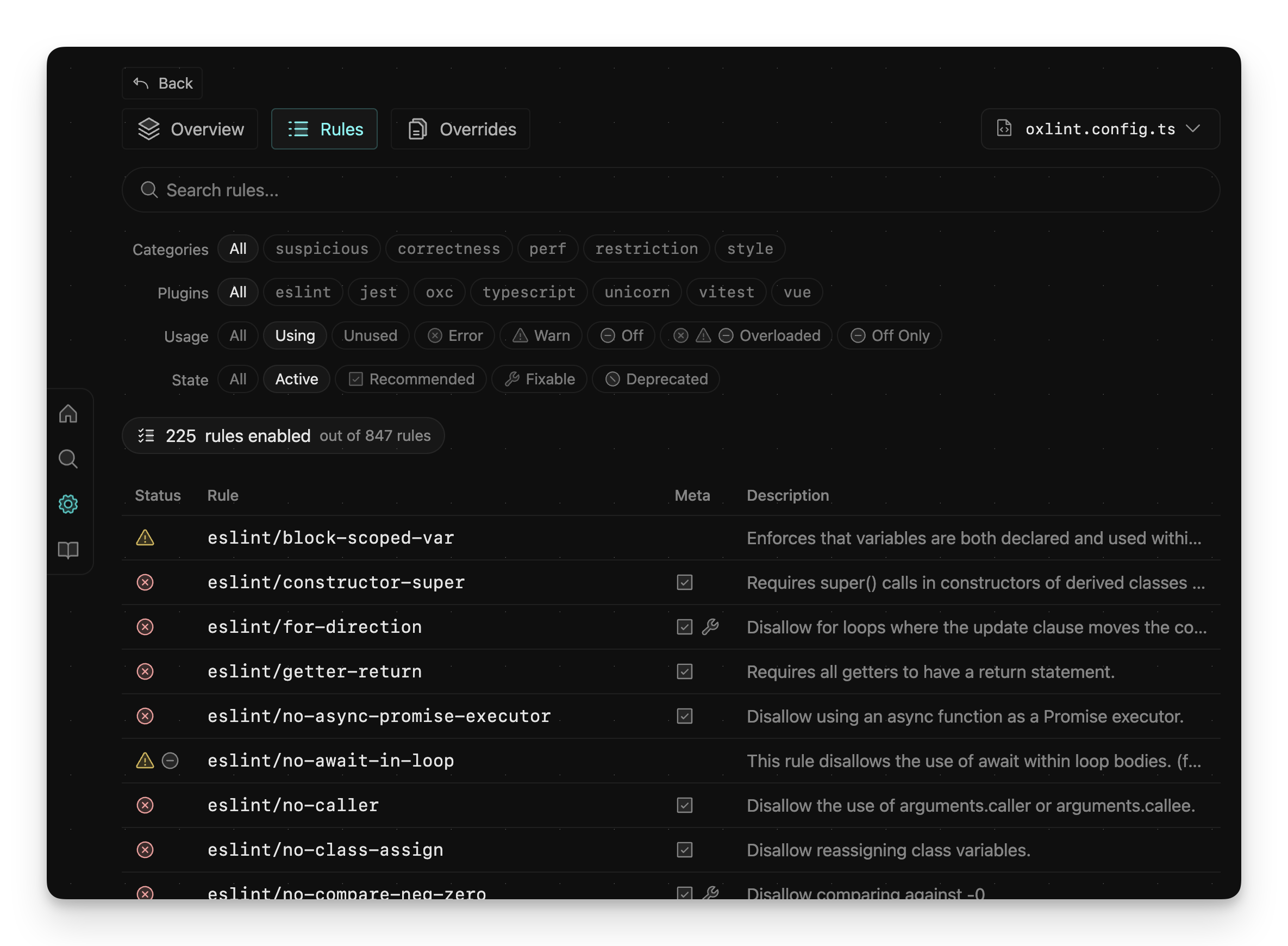
Search and filter rules by category, plugin, usage, and state.
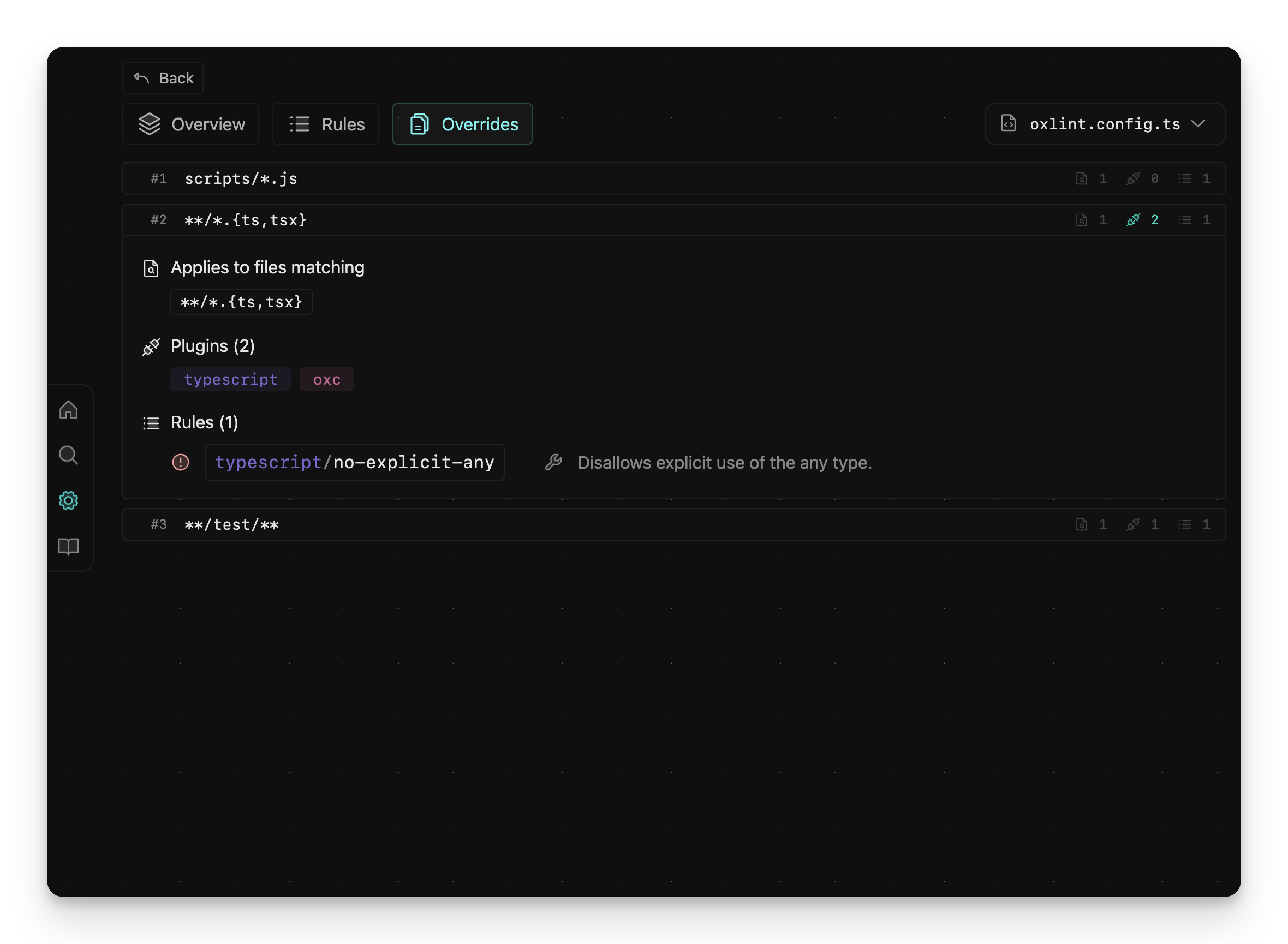
Inspect the plugins and rules applied by each file-pattern override.
Oxfmt
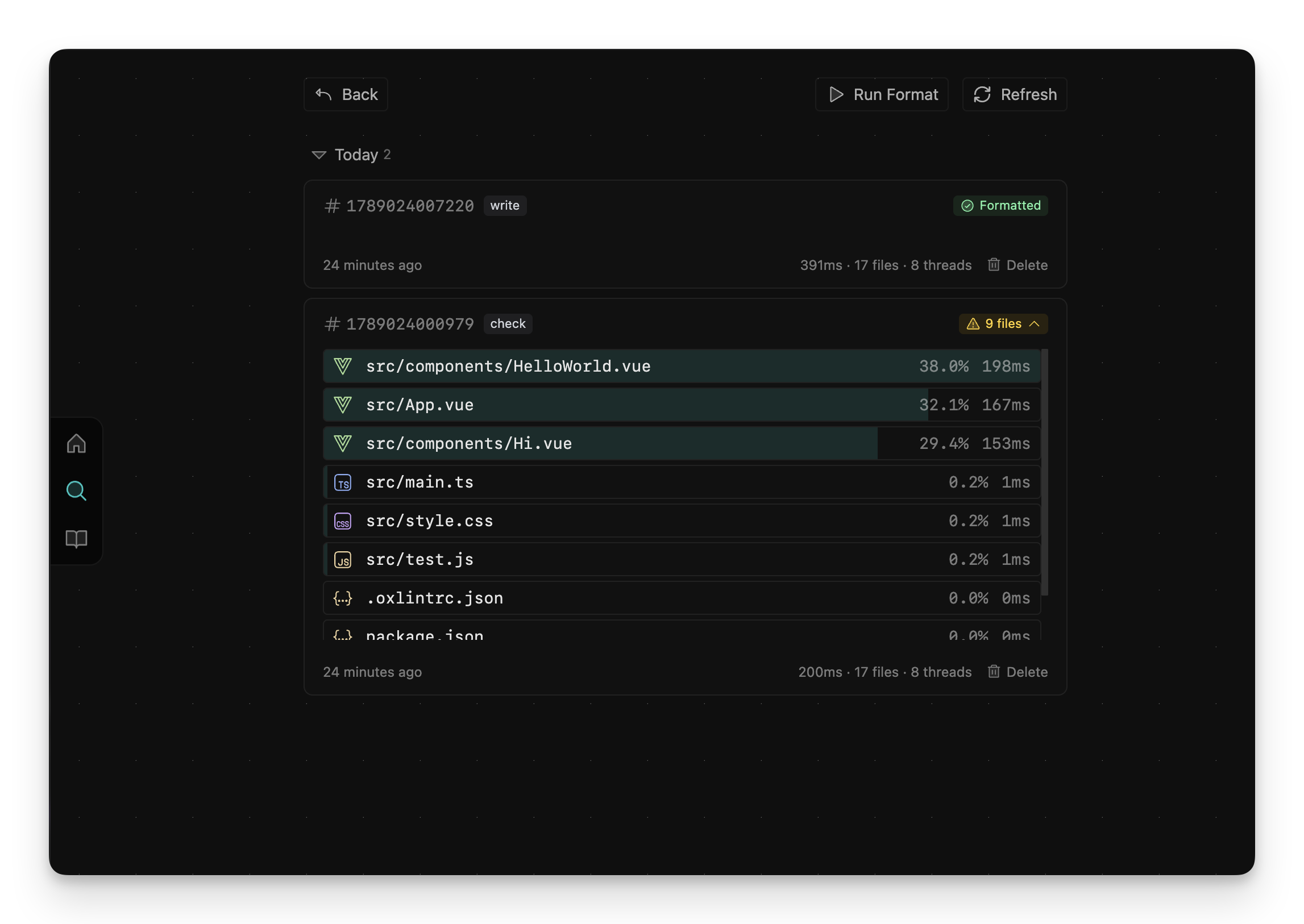
Oxfmt Inspector
Run Oxfmt in check or write mode and inspect formatting results.