DevTools for Rolldown
DevTools for Rolldown (@vitejs/devtools-rolldown) is a built-in integration that analyses Rolldown production builds in Vite 8+. It ships with Vite DevTools.
What it does
Insights into a Rolldown-powered build:
- Module analysis — visualise module graphs, dependencies, and transformation flows.
- Plugin insights — inspect plugin hook costs and processed modules.
- Chunk & asset analysis — explore build output through list, graph, treemap, and flamegraph views.
- Package detection — surface duplicated packages and dependency sizes.
- Session compare — diff bundle changes across builds.
Getting started
DevTools for Rolldown is enabled automatically once Vite DevTools is set up. Follow Getting Started to install and configure Vite DevTools, then run a build — the Rolldown panels appear in the dock.
Features
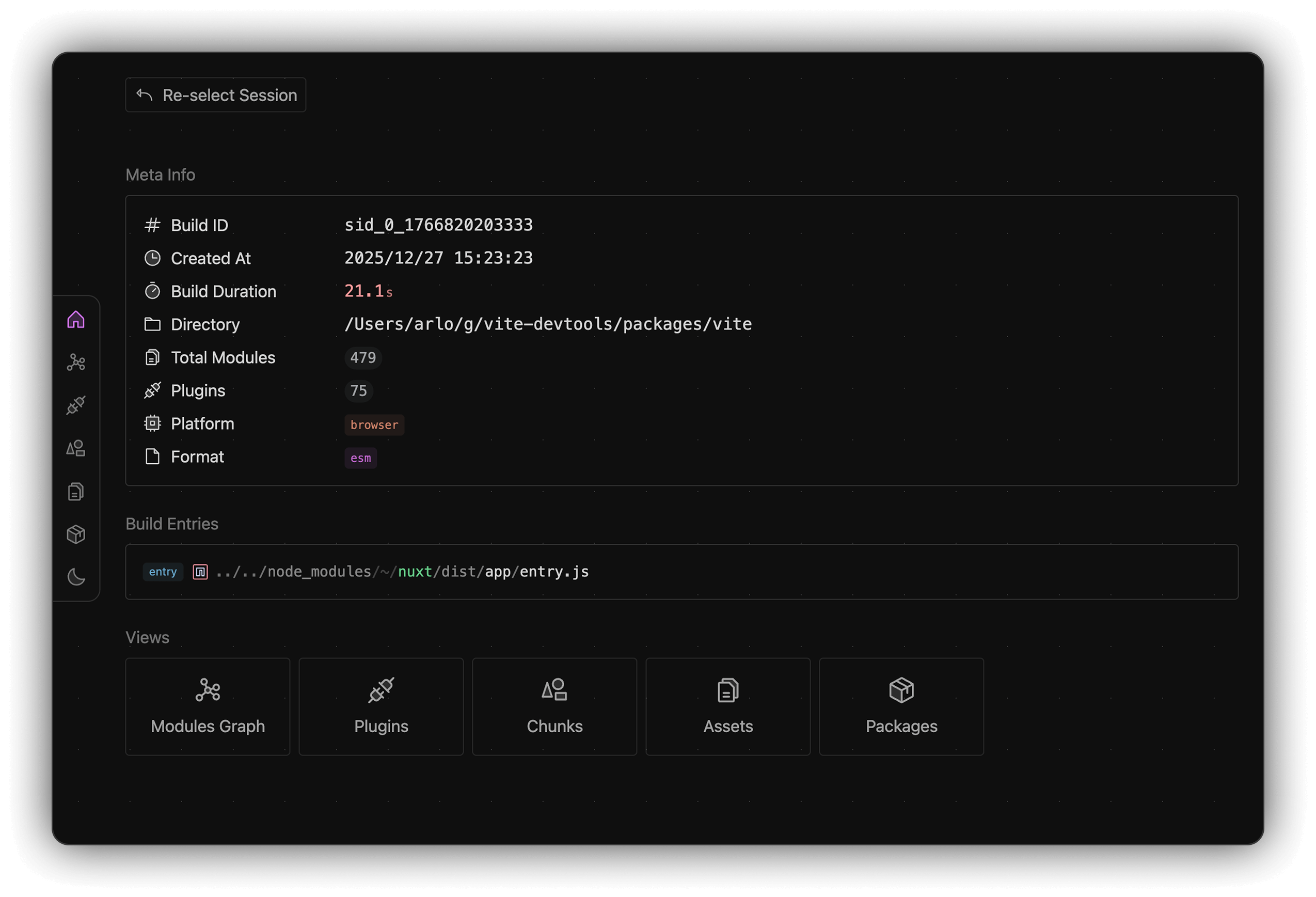
Overview
Shows a quick overview of your app's build analysis, including the build entries, build duration, build directory, number of modules, plugins and more.
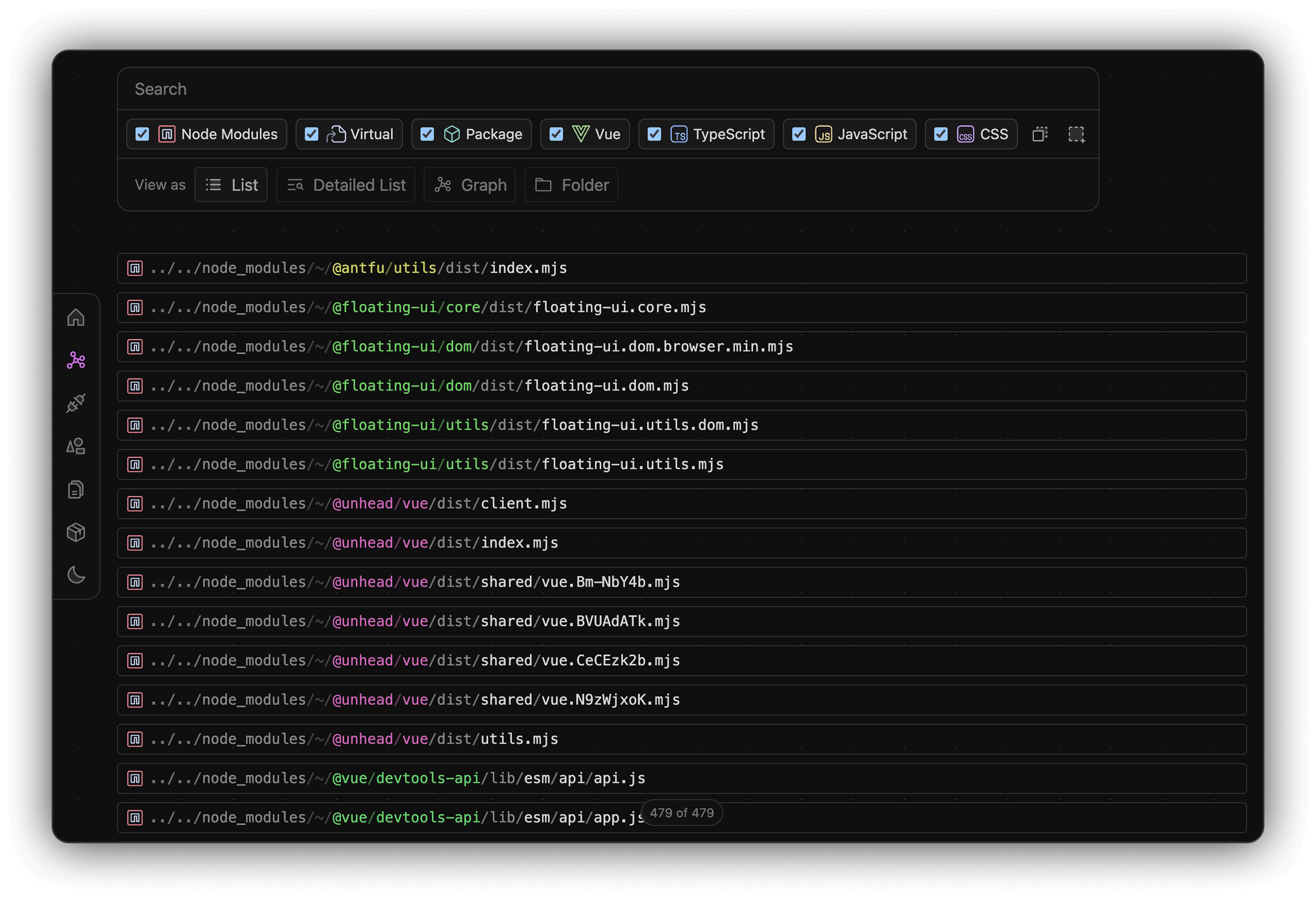
Modules
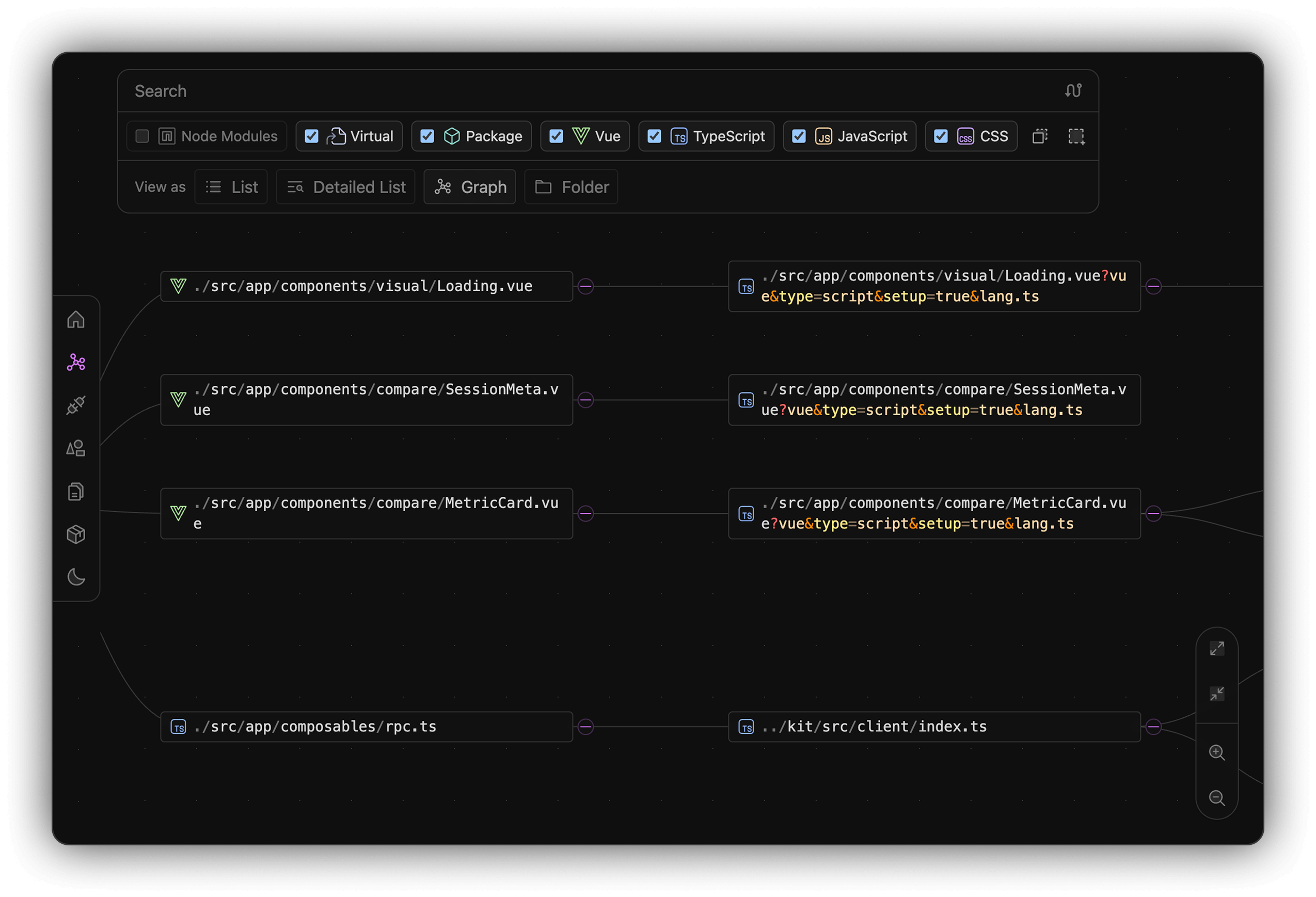
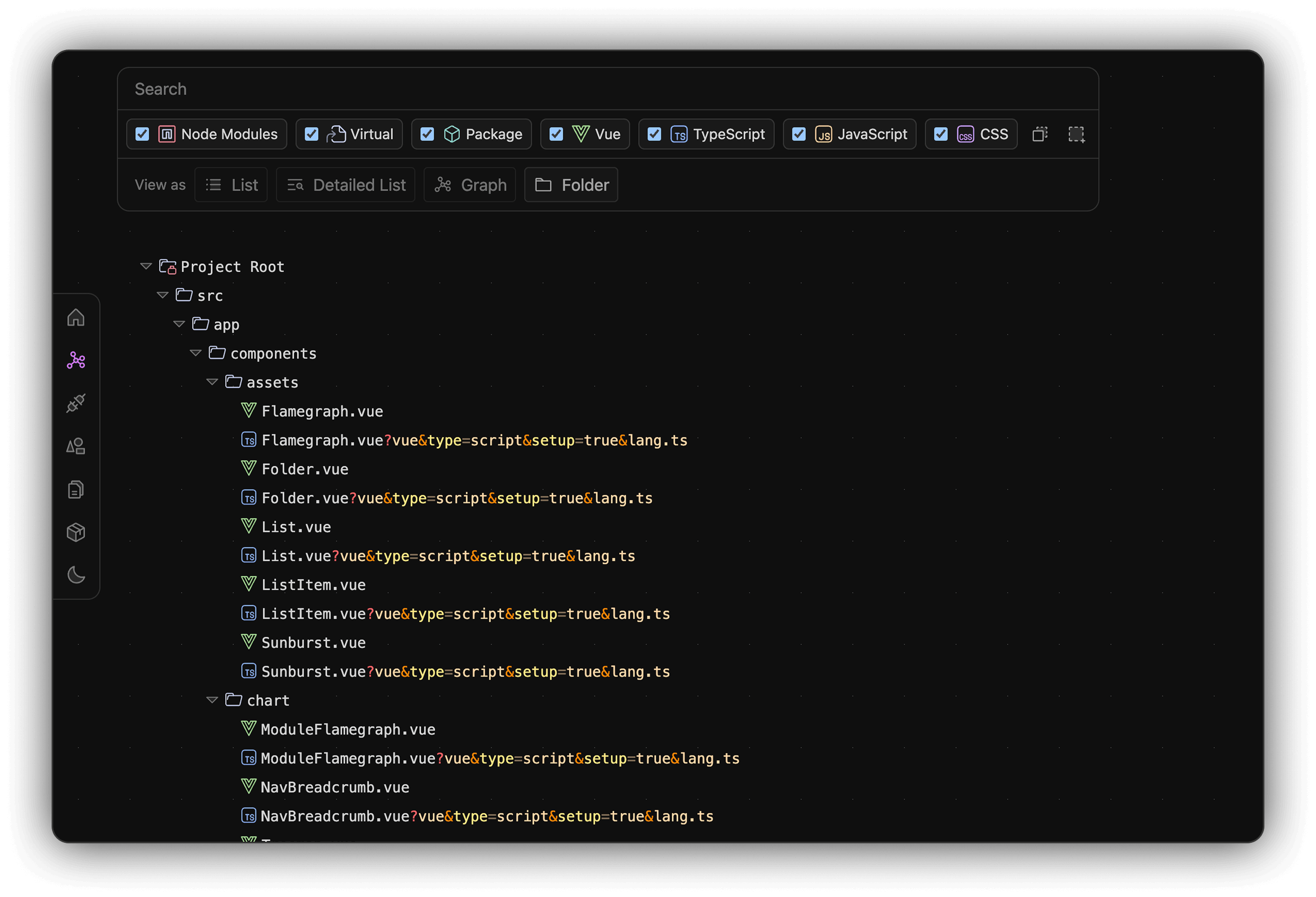
Display all files in the bundle in list, detailed list, graph, and folder tree views.
Supports file type filtering and fuzzy search for finding modules.
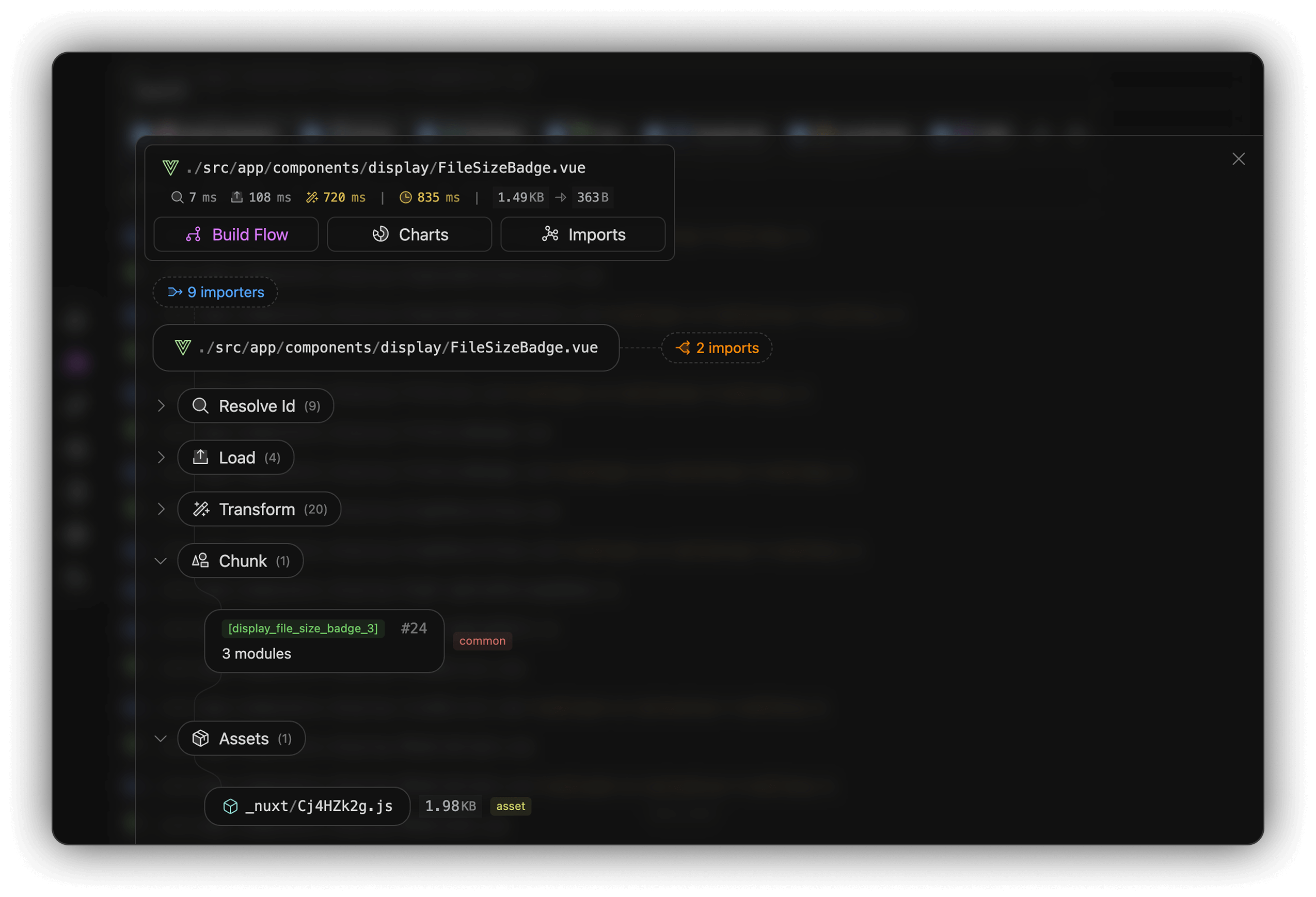
Module transformation flow (Parse -> Resolve -> Transform -> Chunk -> Bundle -> Output).
Track the entire process, find bottlenecks and optimizations.
Module Relationship Graph:
Bundled files in folder tree view:
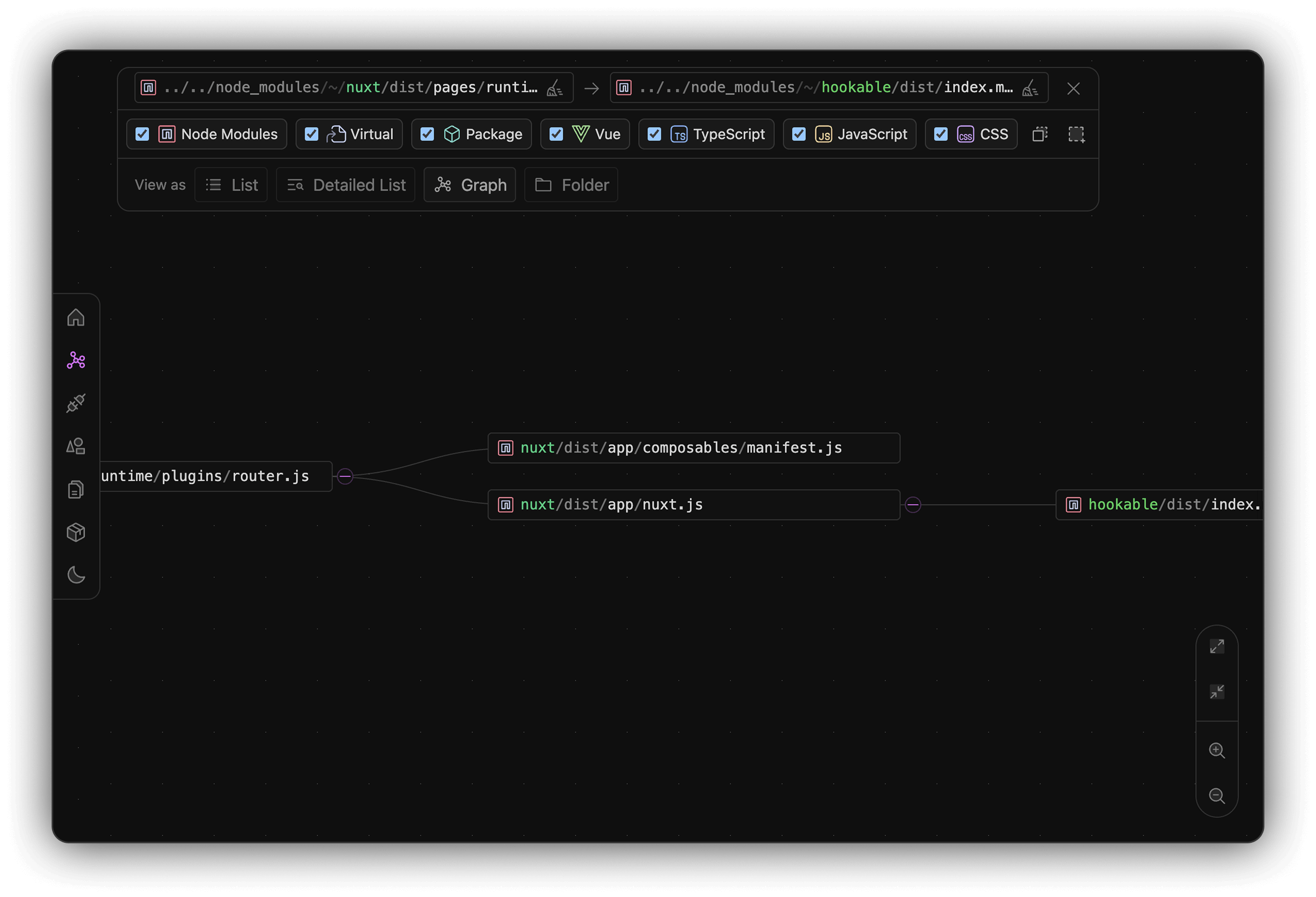
In the graph view, the path selector allows you to trace dependencies between 2 modules.
Plugins
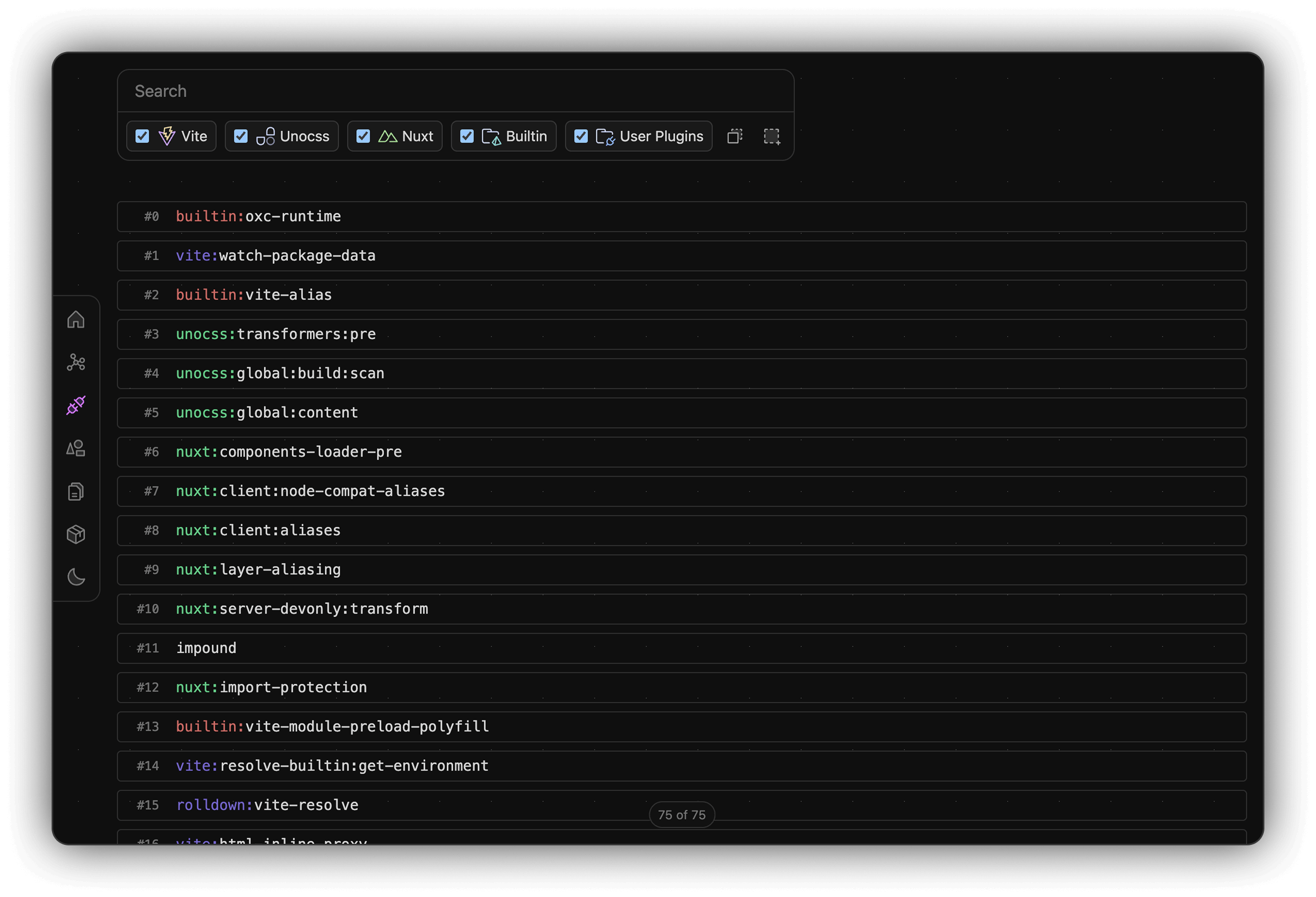
Display all plugins, both official and third-party. Supports plugin type filtering and fuzzy search for finding plugins.
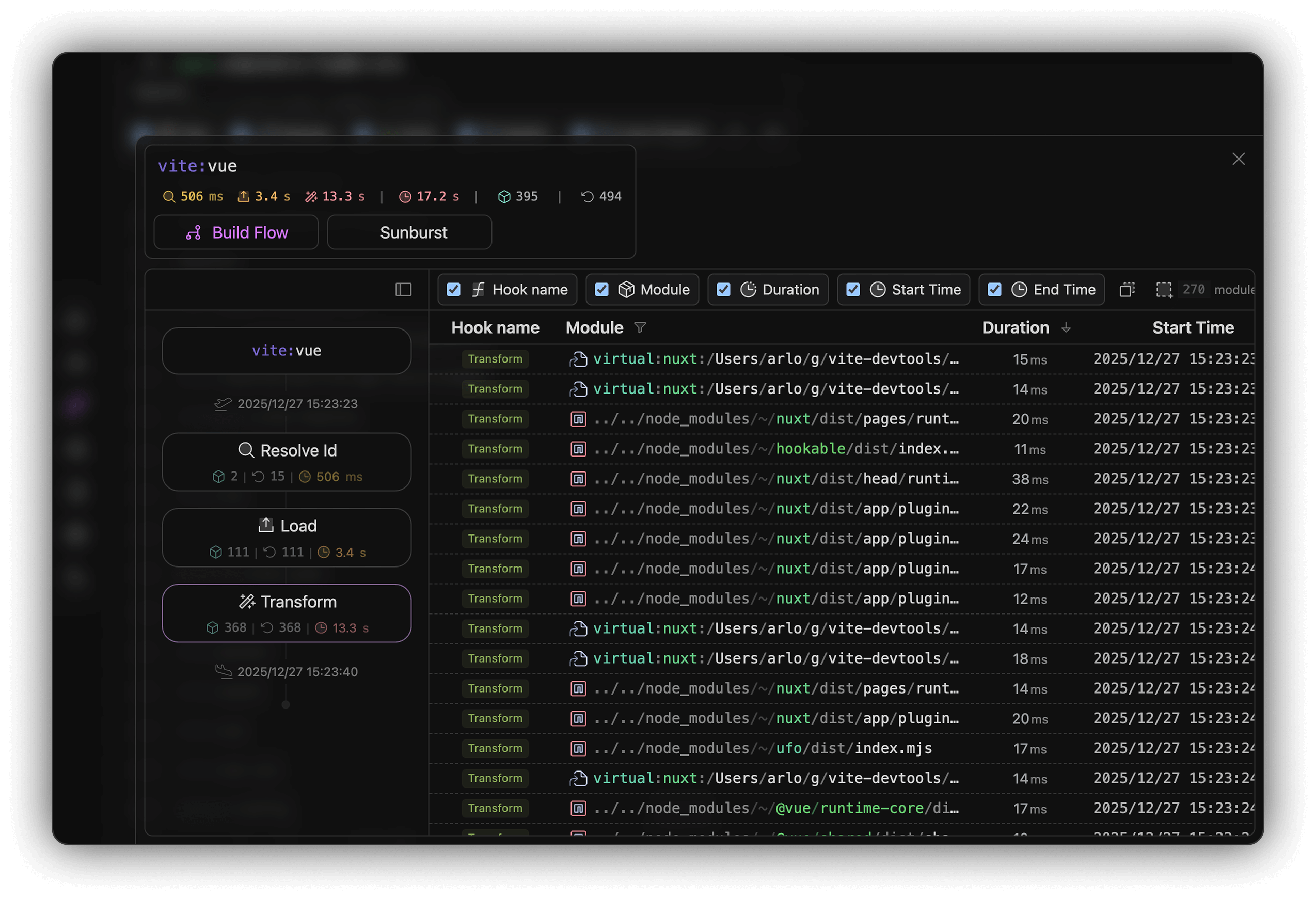
In the plugin details view, see hook costs (Resolve Id, Load, Transform) and processed modules in Build Flow or Sunburst views.
Chunks
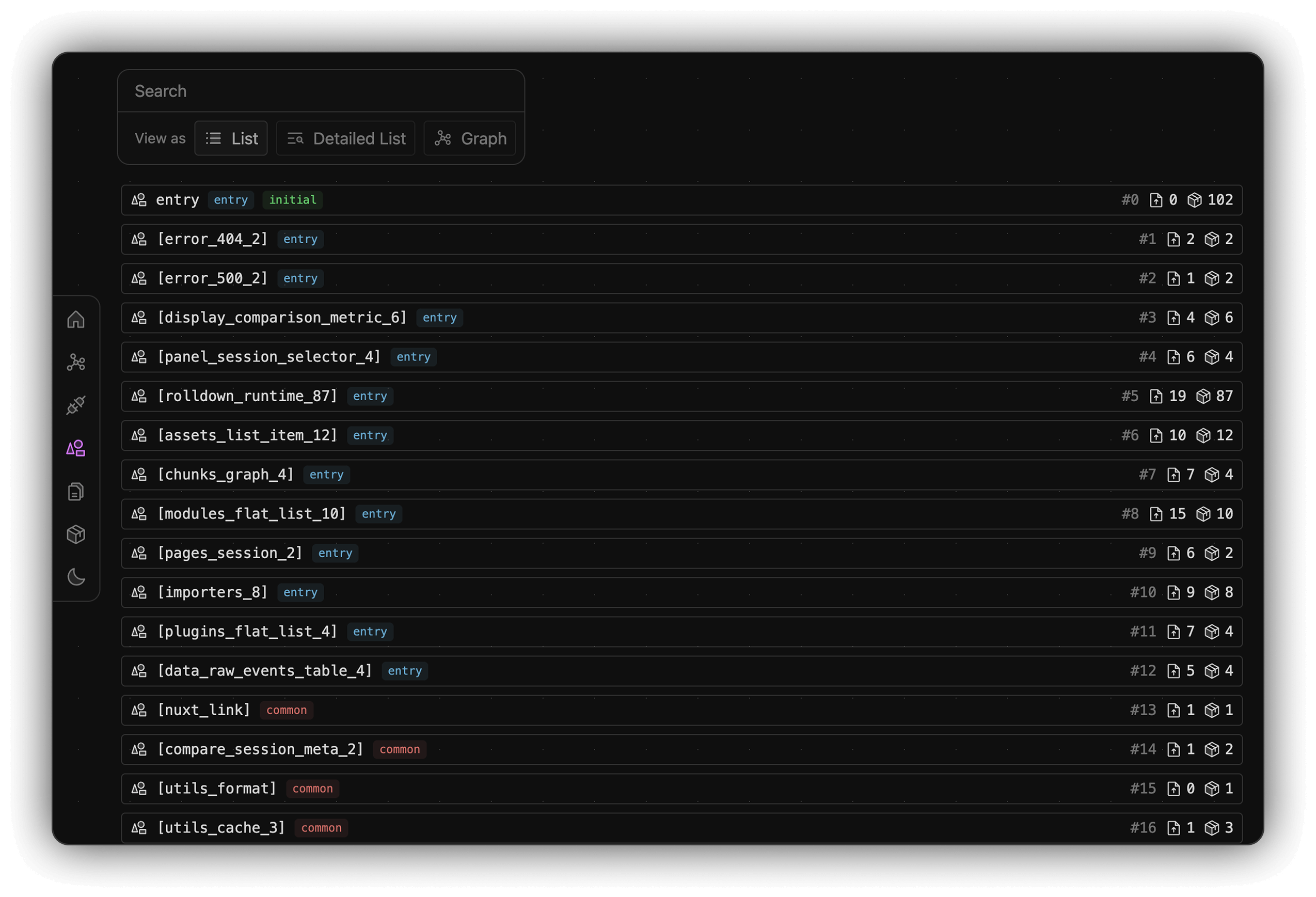
Display all chunks in your build output in list, detailed list, and graph views. Supports fuzzy search for finding chunks.
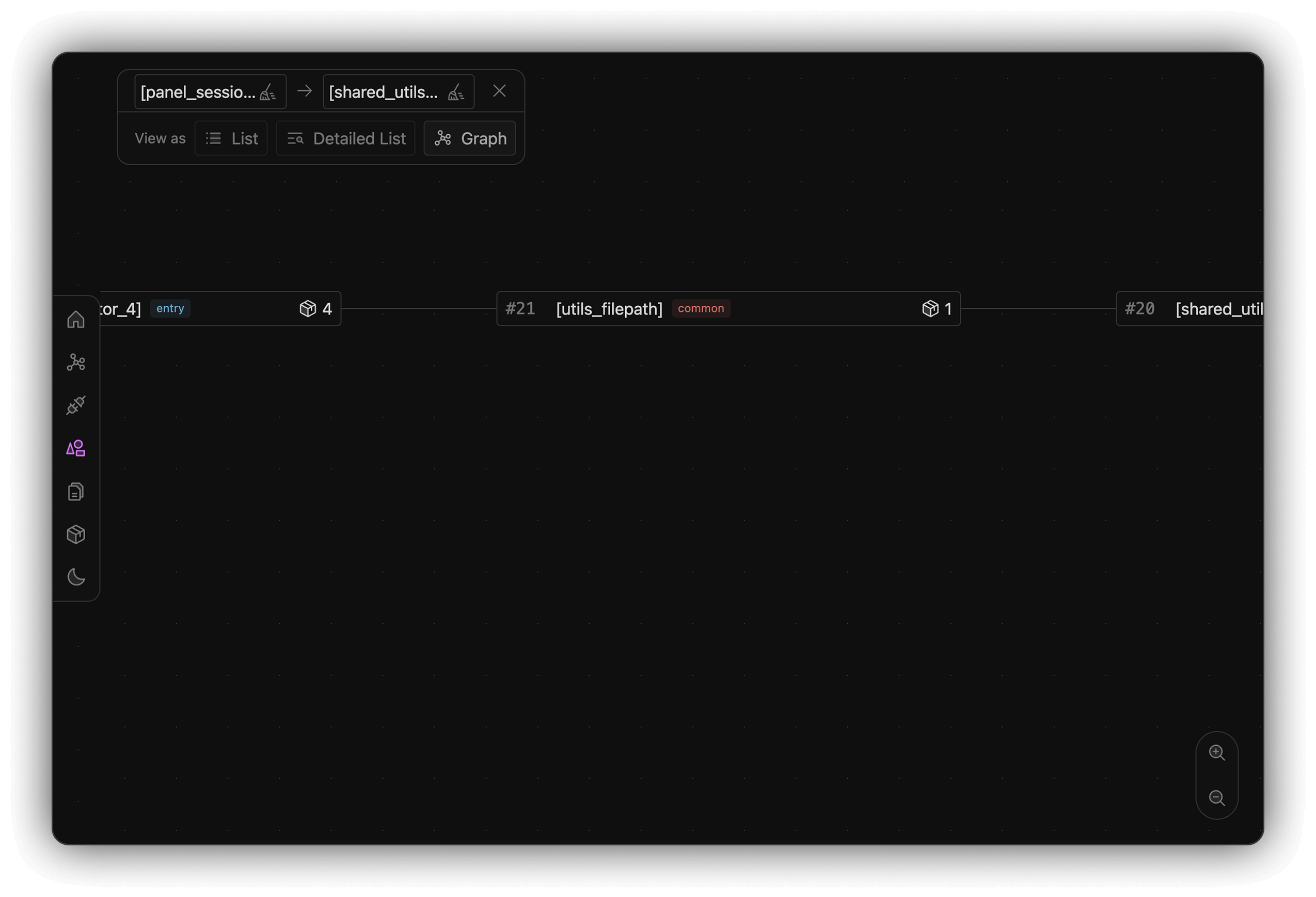
In the graph view, the path selector allows you to trace references between 2 chunks.
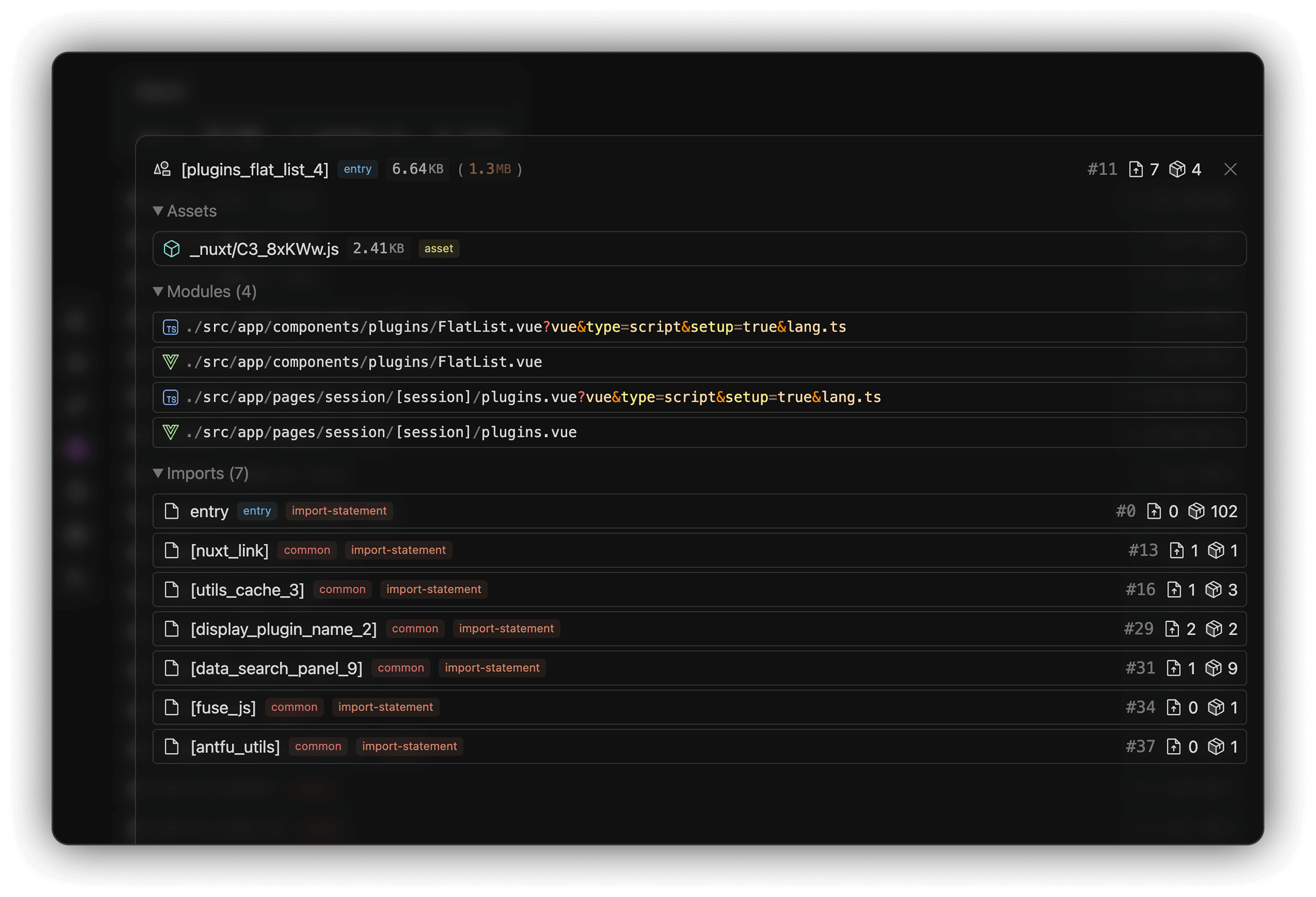
Click a chunk to see details including filename, size, all included modules and more.
Assets
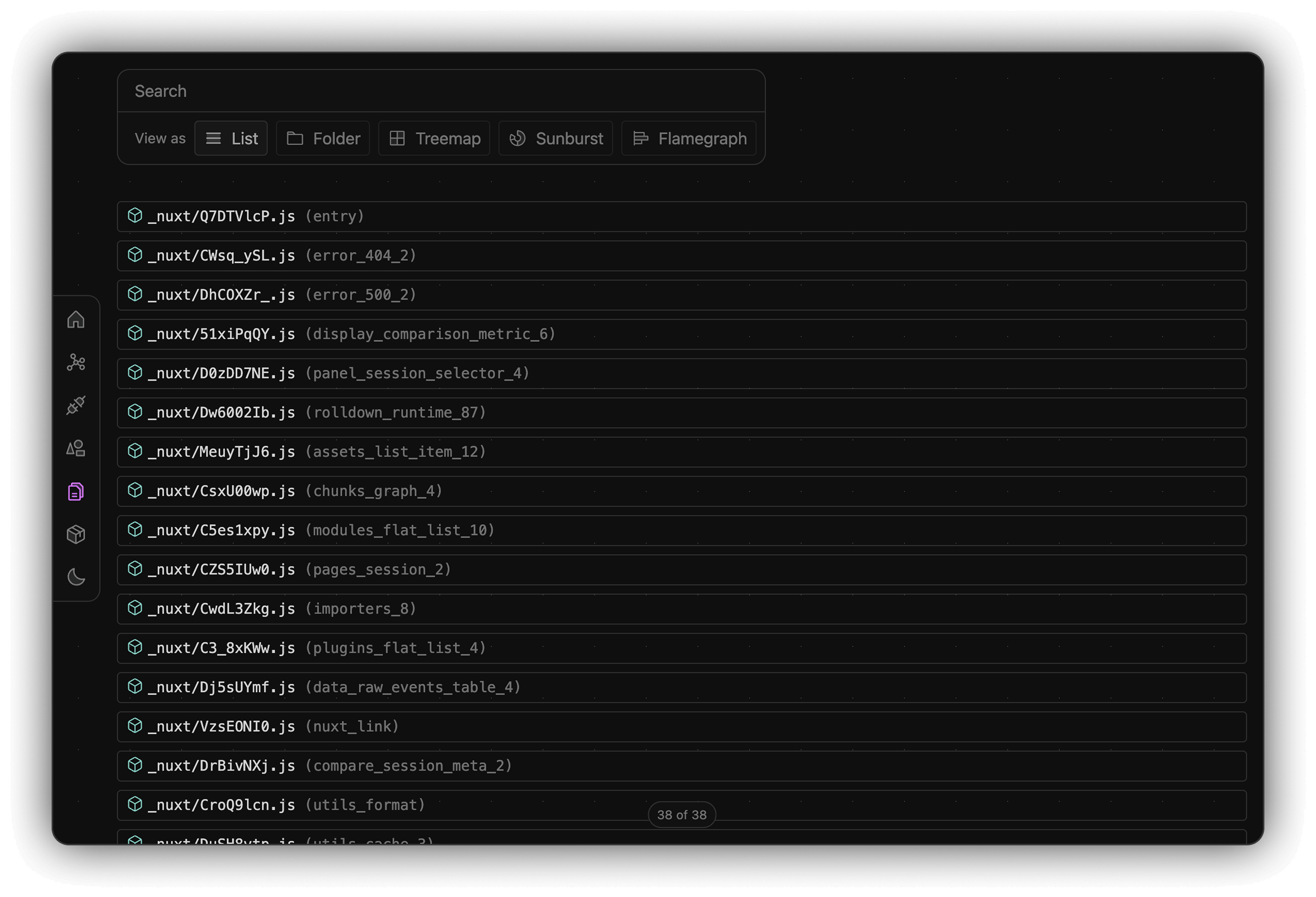
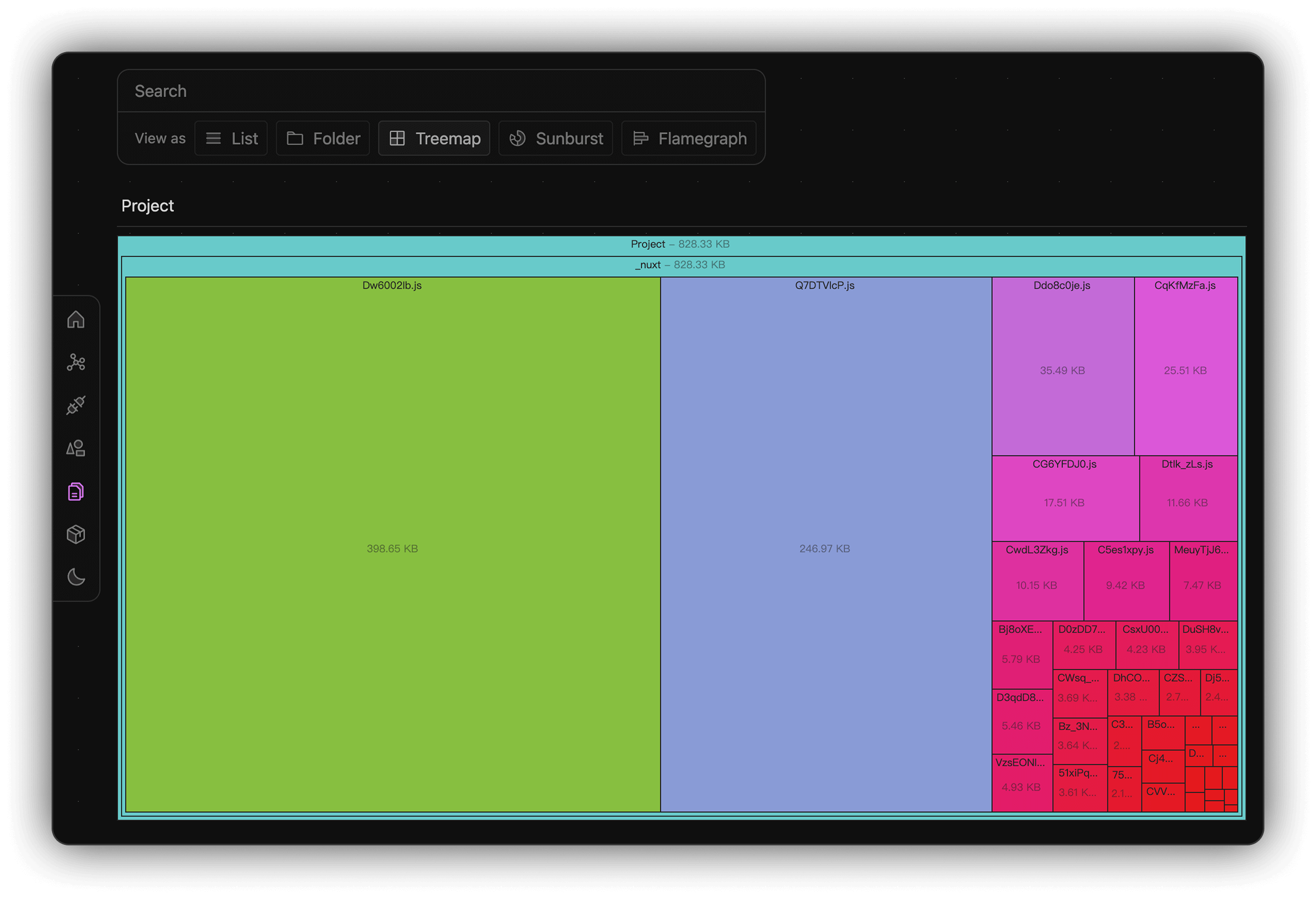
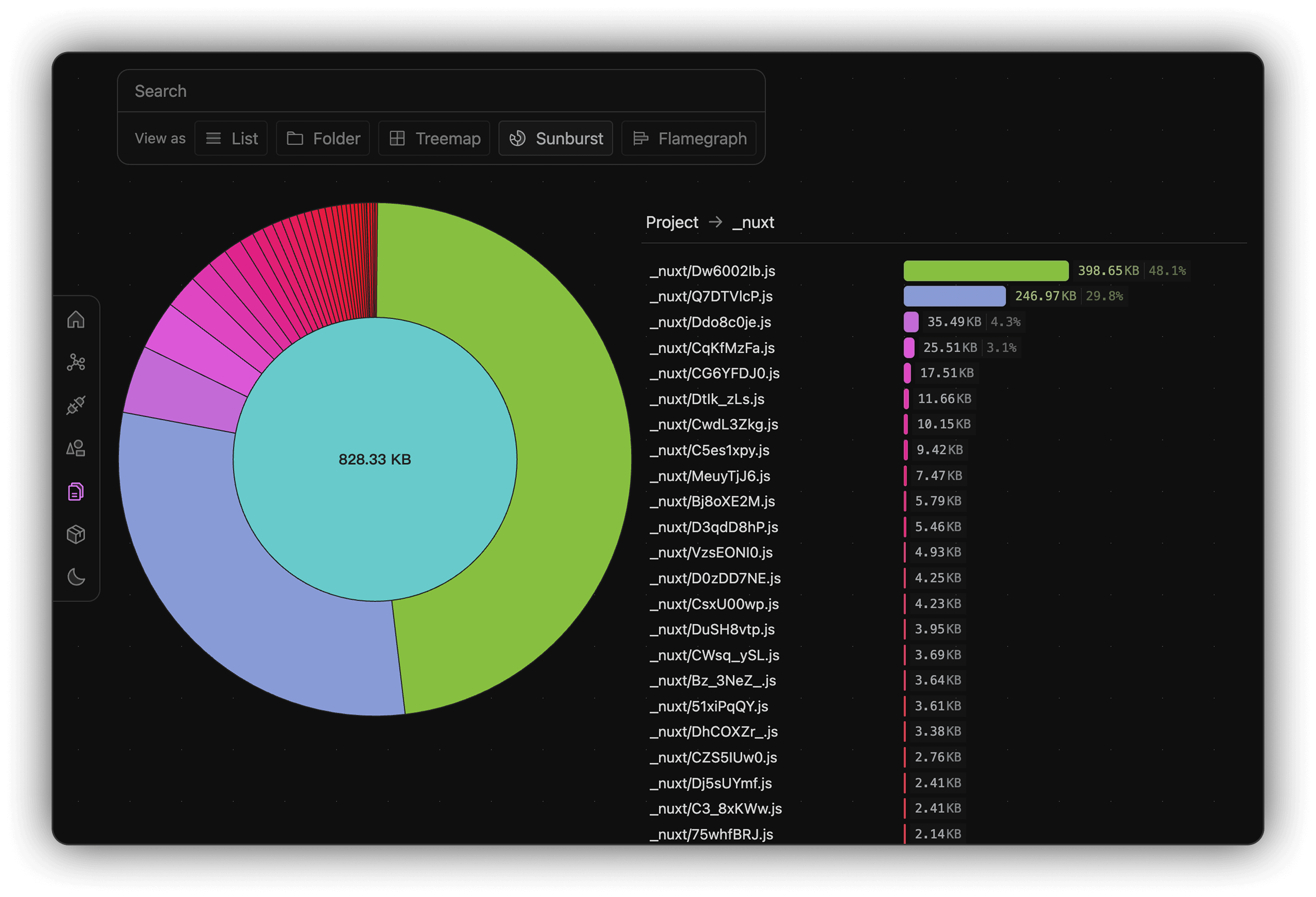
Display all static assets in your build output in list, folder tree, treemap, sunburst, and flamegraph views. Supports fuzzy search for finding assets.
Asset Treemap View:
Asset Sunburst View:
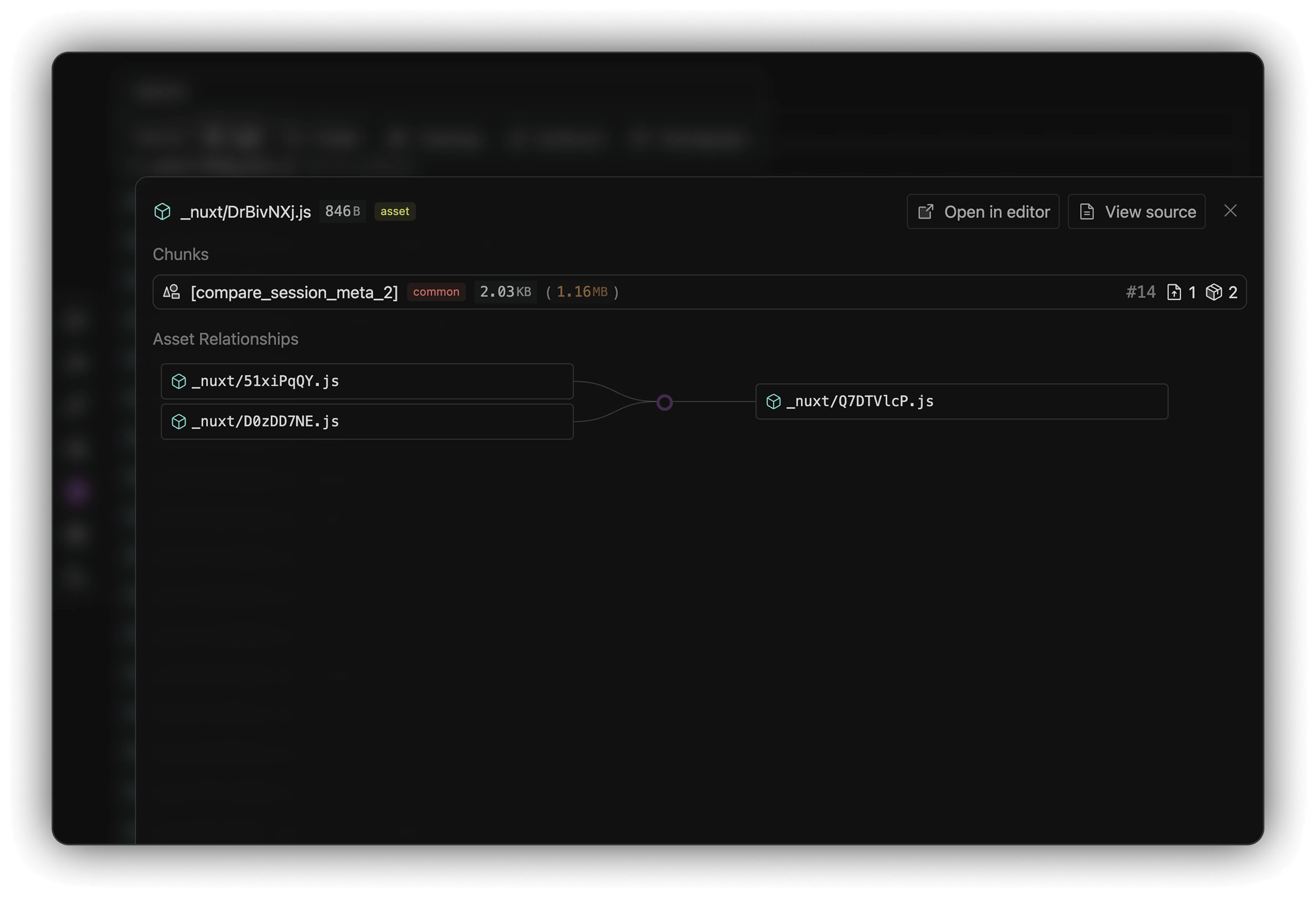
Click an asset to view details including name, size, related chunks, and asset relationships.
Packages
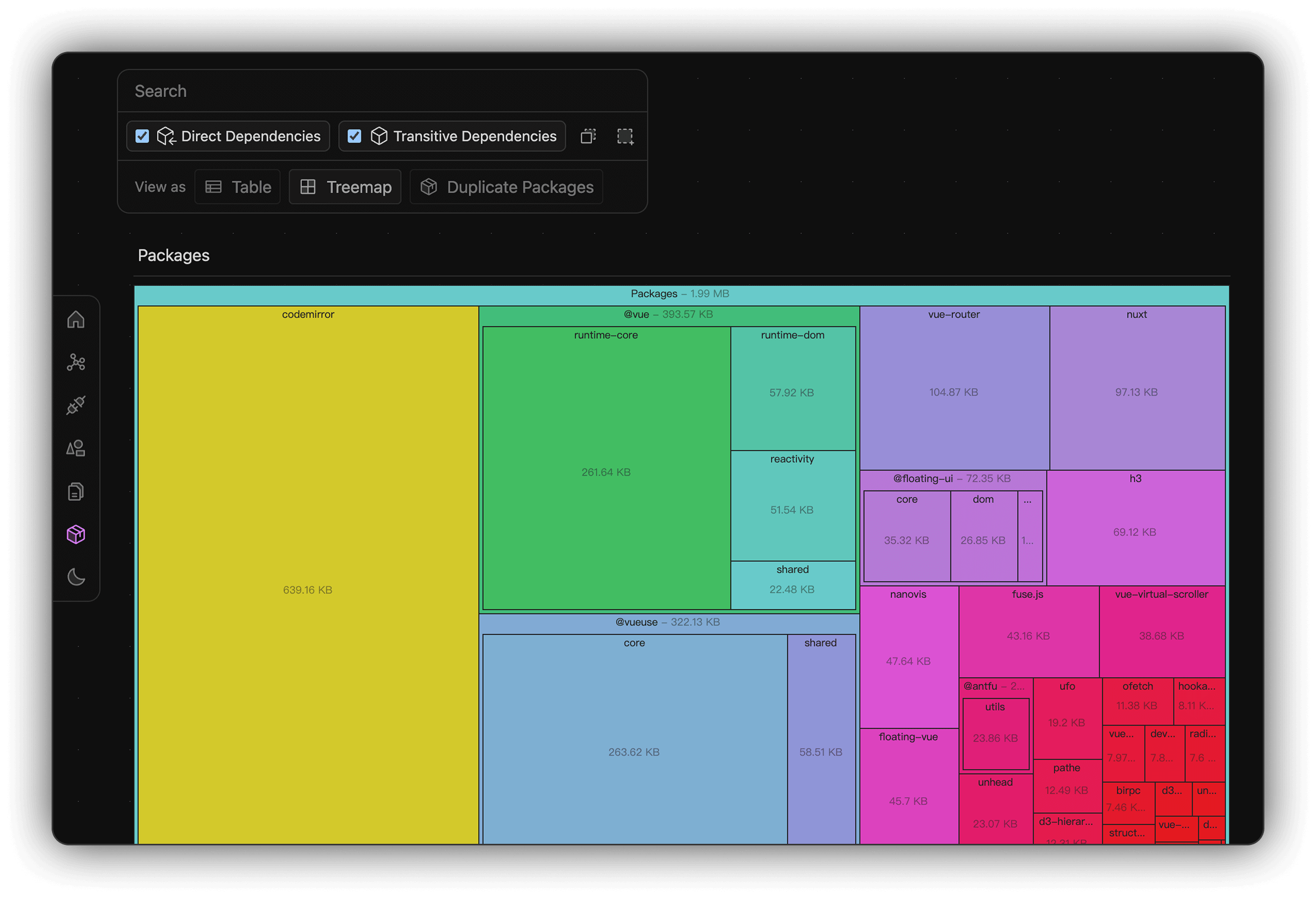
Display all npm dependencies in your bundle in table and treemap views, and detect duplicated packages, including both direct and transitive dependencies.
Supports dependency type filtering (direct/transitive) and fuzzy search for finding packages.
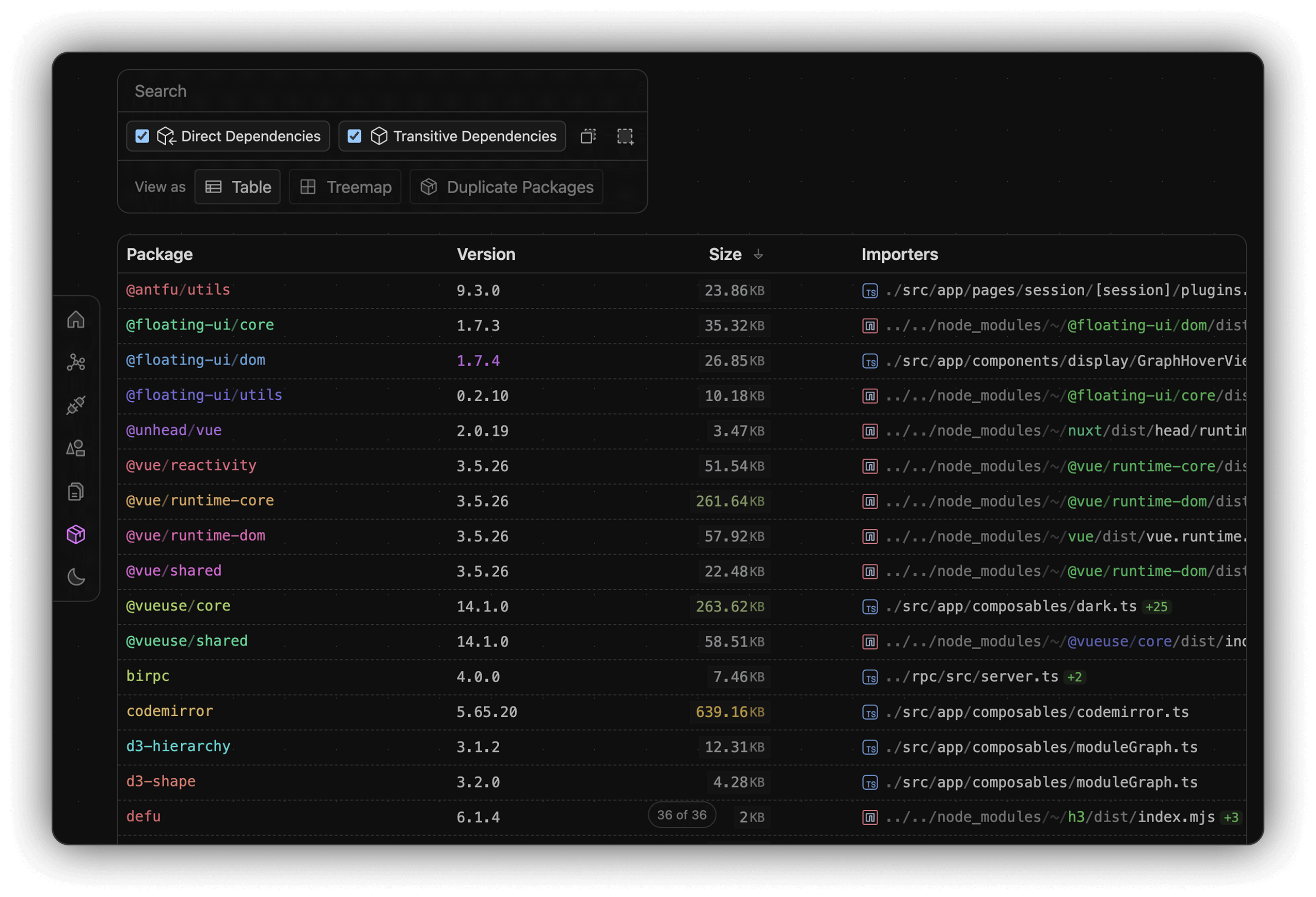
Packages Size Graph View:
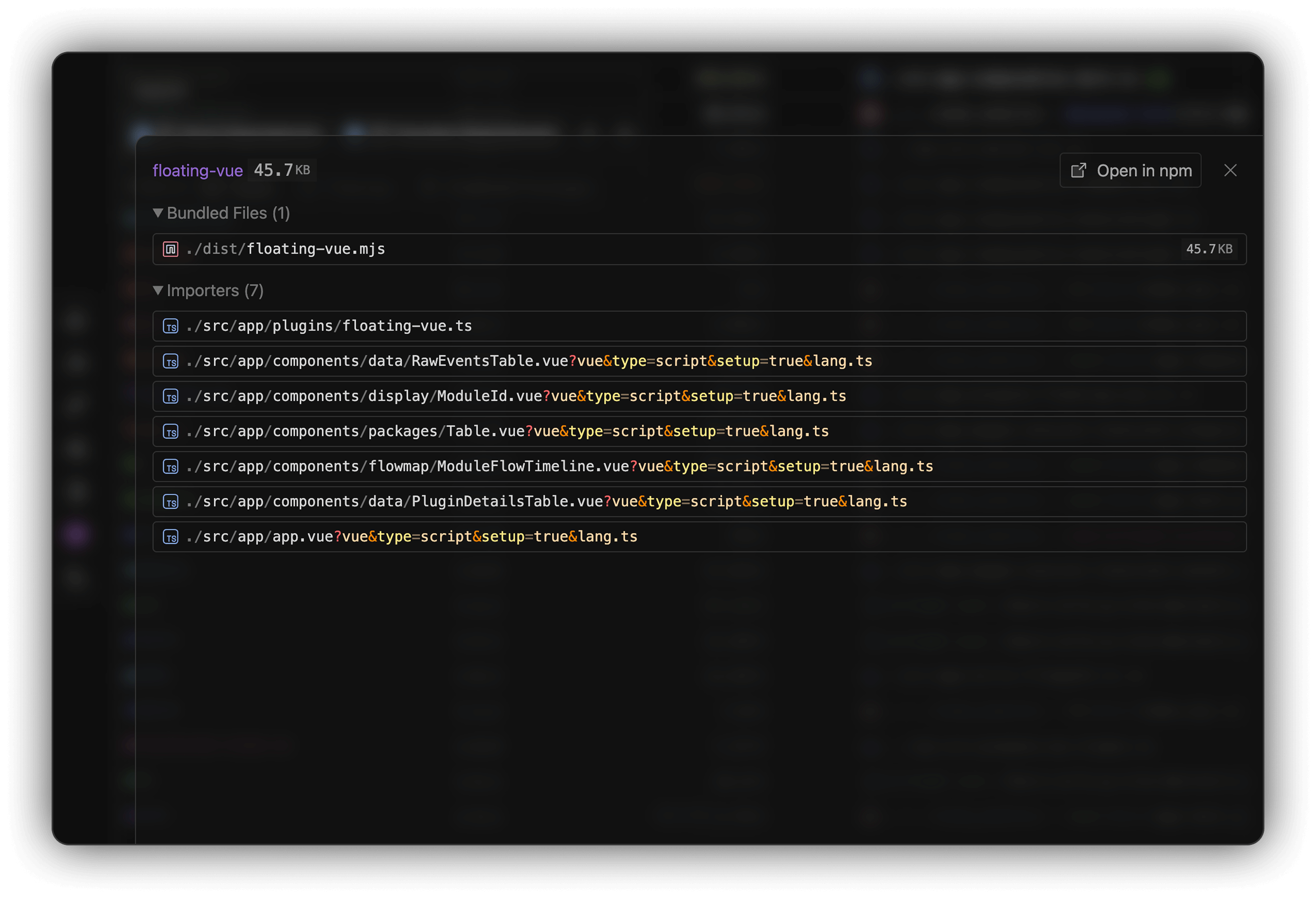
Click a package to see details including name, size, bundled files and more.
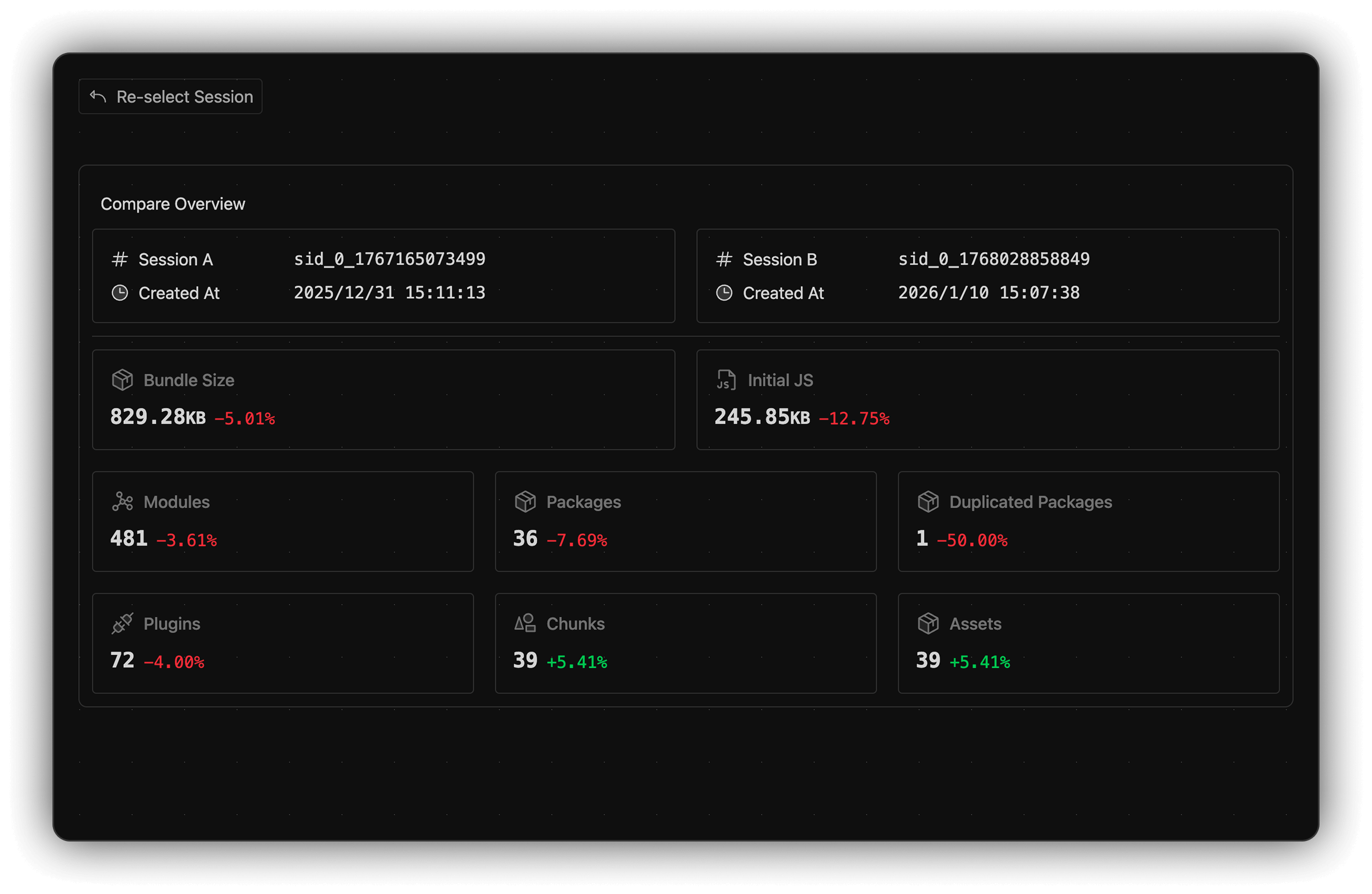
Session Compare
Compare and analyze the bundle changes, including bundle size, initial JS size, number of modules, plugins, chunks, assets.